Click to upload an image
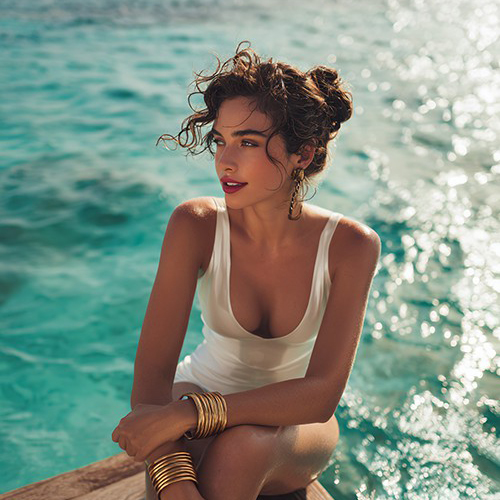
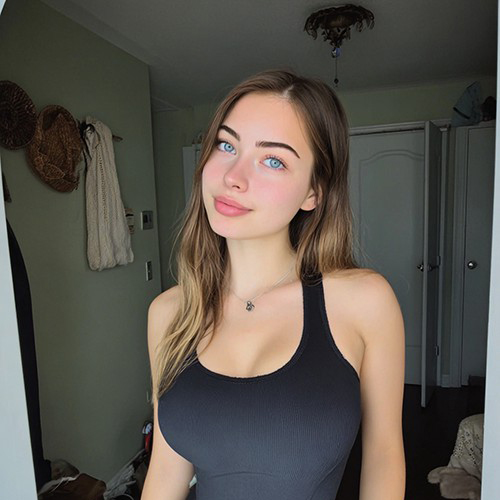
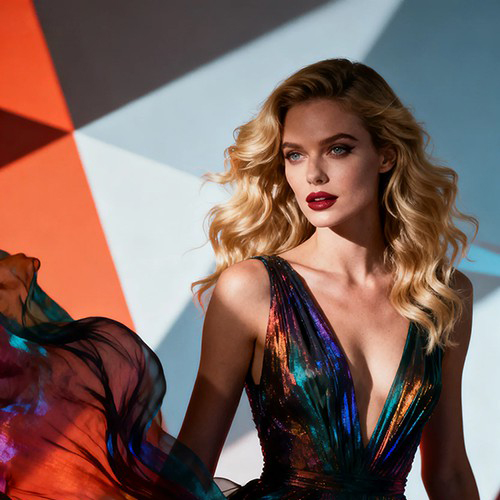
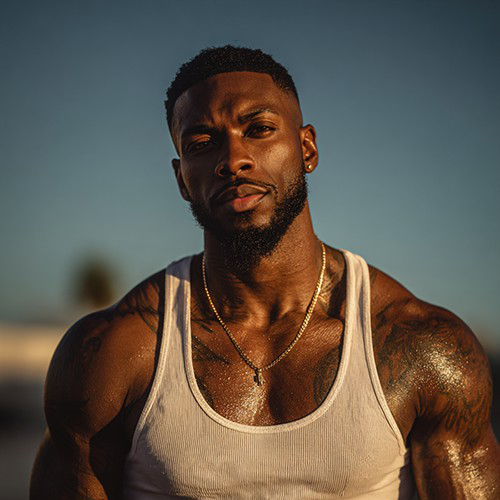
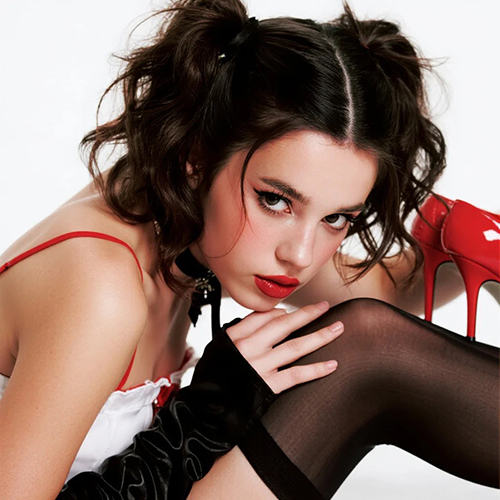

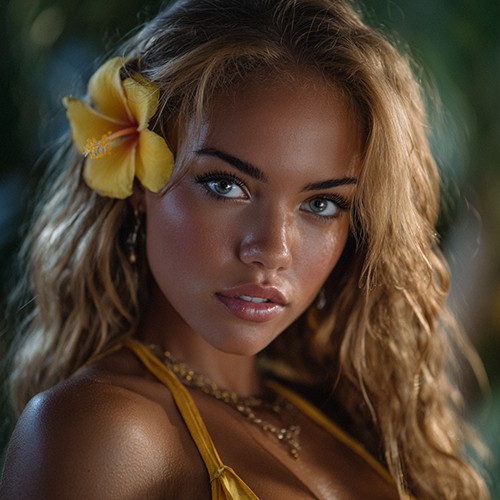
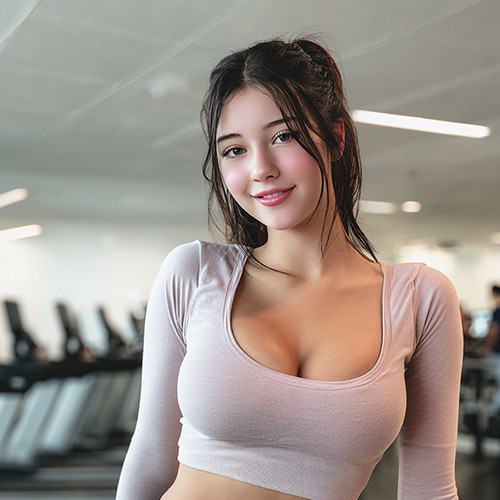
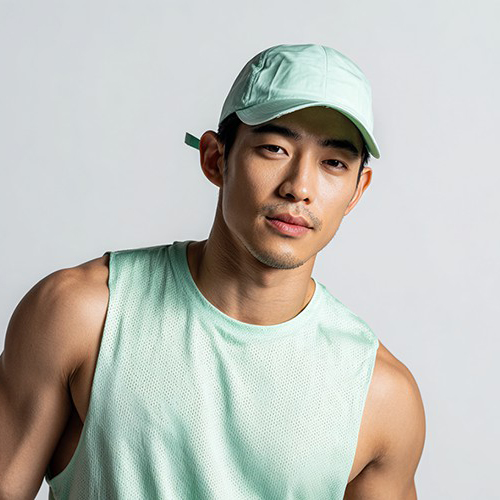
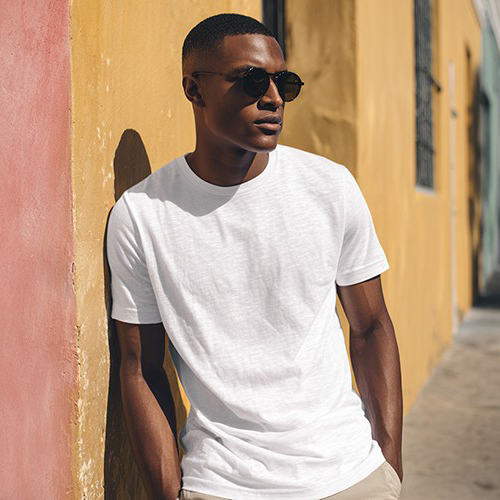
Transform Your Photo into a Stunning 3D Animated Character
Ever wanted to be a movie hero? With PicYou AI’s "3D Style" template, turn a single portrait into a professional-grade 3D character featuring the vibrant colors and smooth textures of modern animated films.
Why Choose the PicYou AI 3D Style Template?
Go beyond the 2D world. Our AI tool applies advanced rendering techniques to create depth, soft shadows, and a "toy-like" high-end finish that makes your portrait look like a character from a blockbuster animation.

Cinematic Lighting and 3D Texture Rendering AI
Watch as our AI intelligently reshapes your portrait into a polished 3D model, adding subsurface scattering for realistic skin tones and bright, expressive eyes that pop off the screen.

Instant Virtual Avatar and 3D Persona
Transform any casual selfie into a professional 3D persona. Perfect for unique profile pictures, gaming avatars, or seeing yourself in a high-fidelity animated universe.

One-Click "Animated Movie" Transformation
Simply upload one clear portrait. The AI handles the complex 3D geometry and smooth shading to ensure your 3D style art looks clean, professional, and full of life.

High-Resolution 3D Depth and Vibrant Colors
Download your creation in crisp HD. Our AI ensures that every highlight and contour is perfectly rendered, giving your photo a premium 3D look that stands out on any digital platform.

Viral "3D Character" Trends for Social Media
Stand out on Instagram and TikTok with the 3D animated aesthetic. These artistic transformations are perfect for those who love CGI art, Pixar-inspired looks, and modern digital identity.
How to Create Your 3D Style AI Art
Ready to level up your look? Follow these three simple steps to transform your photo into a cinematic 3D character using PicYou AI’s advanced technology.
Step 1: Upload a Clear Portrait
Choose a high-quality, front-facing photo. Clear facial features and good lighting help the AI map the 3D textures and highlights more accurately for a life-like result.
Step 2: Select the 3D Style Template
Browse the Art Style category and pick "3D Style." Our AI will immediately begin sculpting your portrait into a vibrant, expressive 3D animated character.
Step 3: Download and Meet Your 3D Self
Click generate to finalize the 3D look. Once ready, download your high-definition image and share your cinematic 3D transformation with the world!
Frequently Asked Questions
Learn how to get the most polished and high-quality 3D results using our AI-powered 3D animation style tools.
What is the "3D Style" art template?
It is an AI filter that reimagines your portrait as a 3D animated character, mimicking the high-end CG style seen in modern animation studios like Pixar and DreamWorks.
Can I use this for my gaming avatar?
Absolutely! These 3D portraits are high-resolution and visually striking, making them perfect for gaming profiles, Twitch icons, or virtual world identities.
What kind of photo works best for a 3D filter?
Photos with neutral or simple backgrounds are ideal. The AI works best when it can clearly identify your facial structure to apply the 3D depth and lighting effects.
Is the final image quality high enough for 4K screens?
Yes! The 3D Style template generates high-definition results with smooth gradients, ensuring your character looks professional even on high-resolution displays.
Does the AI keep my face recognizable?
Yes. Our models are designed to preserve your essential facial structure while translating it into the stylized, high-contrast look of 3D animation.
Is it free to use the 3D Style generator on PicYou AI?
PicYou AI provides credits for users to try various 3D and artistic templates. Check our subscription plans for unlimited high-definition 3D character generations.