Click to upload an image
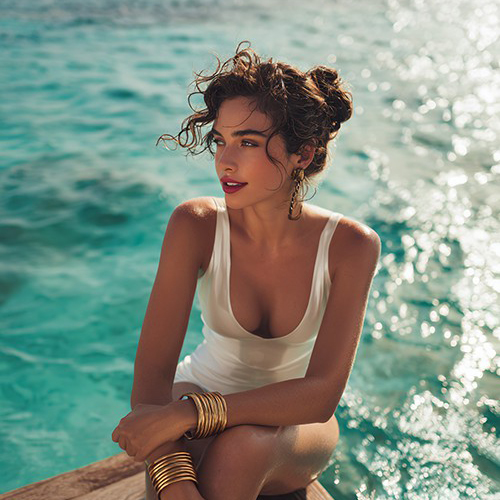
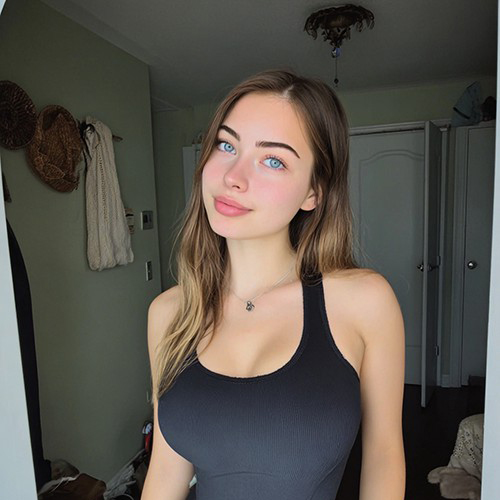
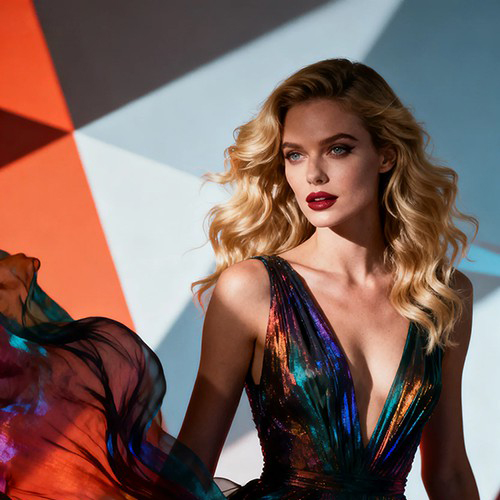
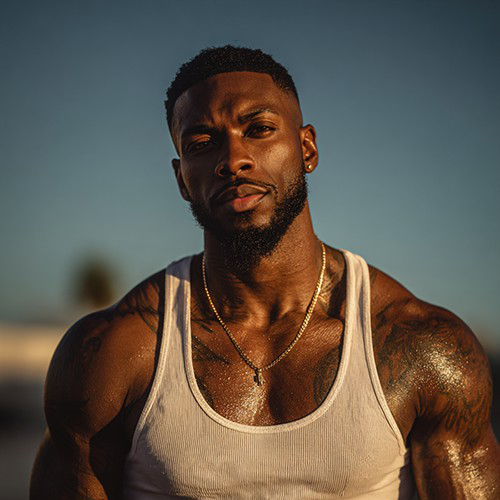
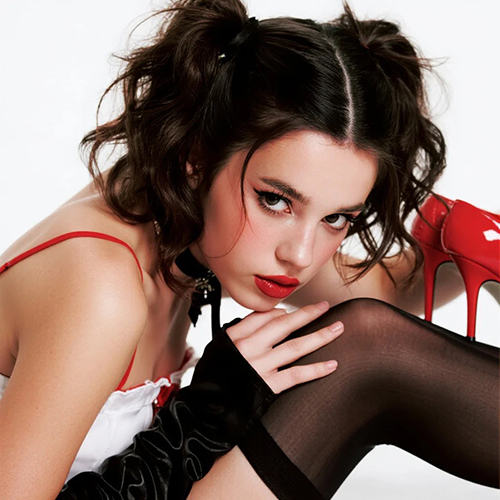

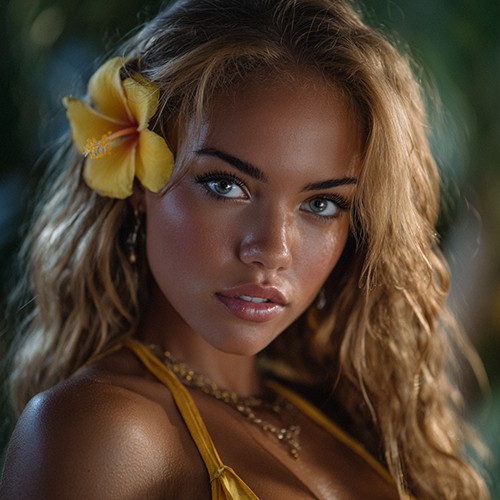
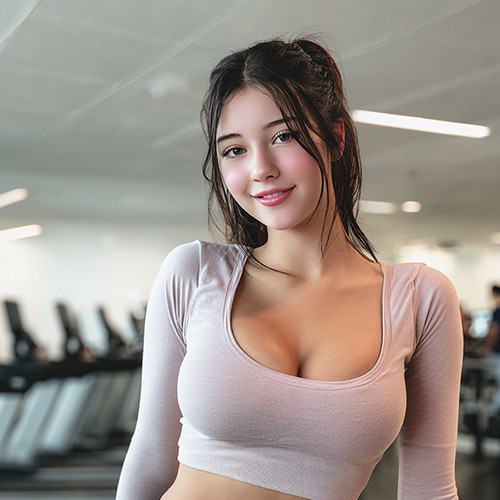
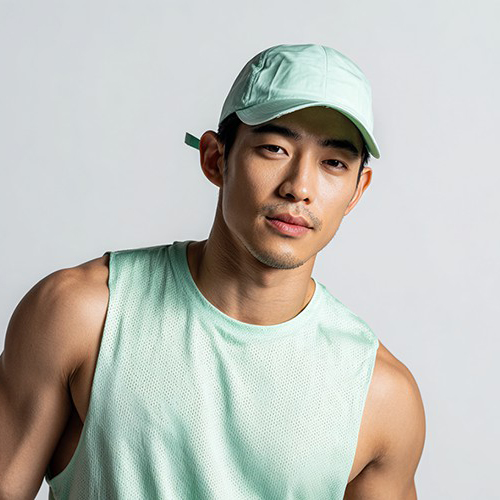
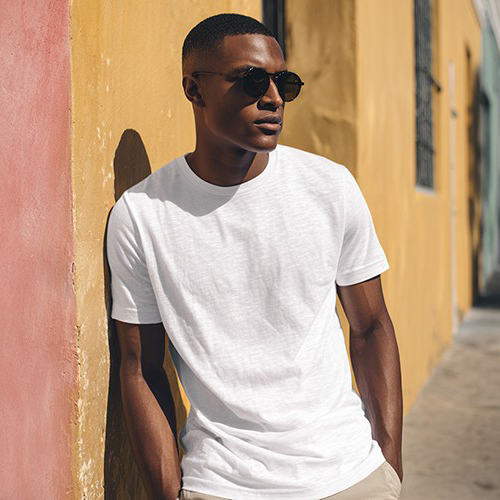
Get Professional Studio Lighting with AI Flash Light
Brighten your best moments. With PicYou AI’s "AI Flash Light" tool, transform any dimly lit portrait into a high-end studio shot with realistic flash effects and vibrant clarity.
Why Use the PicYou AI Flash Light Editing Tool?
Don't let poor lighting ruin a great photo. Our AI flash tool recreates the sharp, high-contrast look of a professional external flash to make any portrait pop.

Realistic Direct Flash Aesthetic AI
Our advanced AI mimics the look of a high-quality camera flash, creating that trendy, high-fashion "paparazzi" or "night-out" aesthetic with one click.

Instant Clarity and Low-Light Fix
Transform dark or grainy portraits into sharp, vibrant images. Perfect for saving late-night selfies or adding a professional edge to indoor shots.

One-Click Pro Lighting Transformation
Simply upload one portrait. The AI handles the light-mapping and shadow-shaping to ensure the flash looks focused and natural on your subject.

High-Contrast "Magazine" Style Effects
Enhance your photos with the crisp shadows and bright highlights typical of professional fashion photography, giving every shot a premium feel.

Viral Social Media Photography Trends
Optimized for the latest "vintage flash" and "film look" trends, these edits are designed to stand out on Instagram and Pinterest with bold, bright energy.
How to Add Professional Flash to Your Photos
Ready for the spotlight? Follow these three simple steps to add a professional flash effect to your photo using PicYou AI’s advanced technology.
Step 1: Upload Your Portrait
Choose a photo that needs more light or a style upgrade. Photos taken in low light or indoors work exceptionally well with the AI flash tool.
Step 2: Apply the AI Flash Light Template
Select "AI Flash Light" from the photo editing tools category. Watch as our AI instantly illuminates your portrait with a realistic burst of light.
Step 3: Download and Glow
Click generate to finalize the bright, sharp look. Download your high-definition flash-edited photo and share your high-fashion transformation!
Frequently Asked Questions
Learn how to get the most realistic lighting and flash effects using our AI-powered photo enhancement tool.
What does the "AI Flash Light" template do?
It is an AI tool that simulates a professional camera flash, adding brightness, contrast, and sharp details to portraits as if they were shot with a pro flash.
Will it make my photo look "washed out"?
No, our AI is trained to preserve skin tones and background depth, ensuring the flash adds pop and clarity without losing natural color.
Can it fix photos that are very dark?
Yes! The AI Flash Light tool is excellent for "relighting" dark photos, bringing out hidden details and significantly improving overall image quality.
Is this good for the "90s film flash" trend?
Absolutely! By adding sharp light and distinct shadows, this tool perfectly captures the nostalgic, high-energy look of classic film flash photography.
Does the AI change the background?
The AI focuses on the lighting interaction between the subject and the immediate environment, ensuring a cohesive and realistic flash-lit scene.
Is it free to use the Flash Light editor on PicYou AI?
PicYou AI offers credits for users to try out our lighting and editing tools. For unlimited high-definition photo relighting, check our premium plans.