Click to upload an image
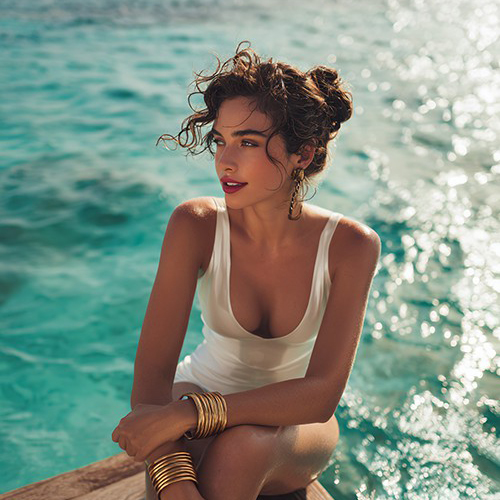
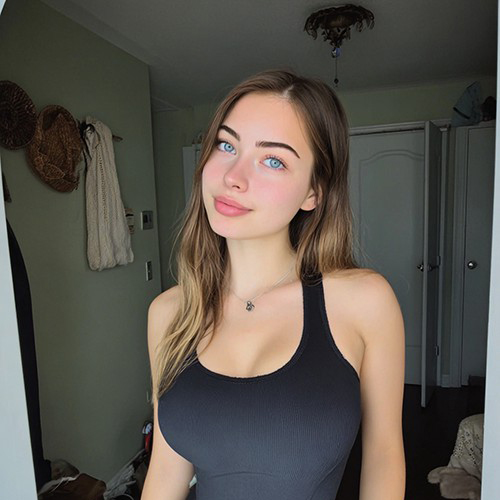
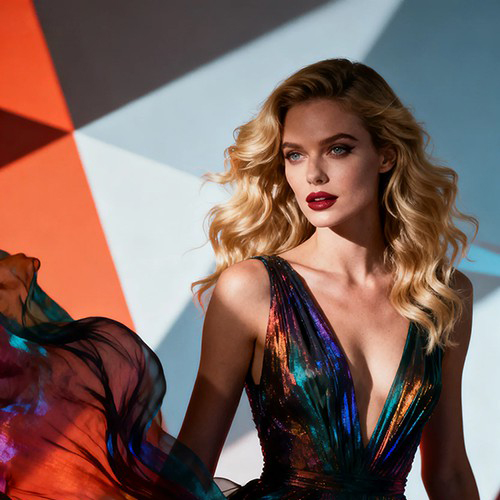
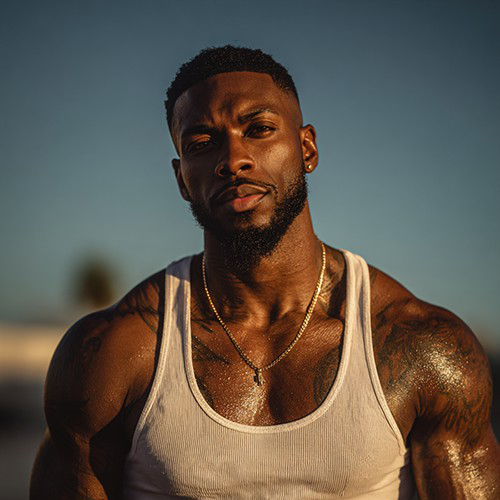
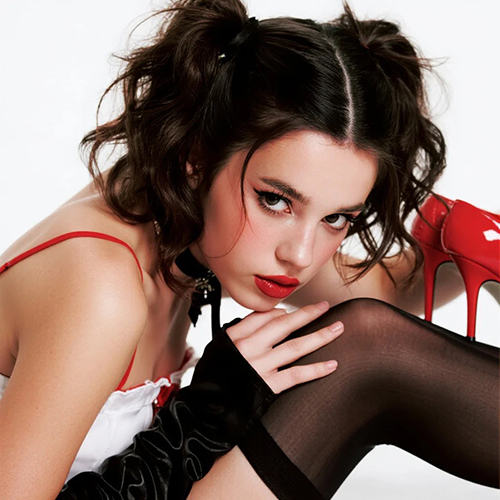

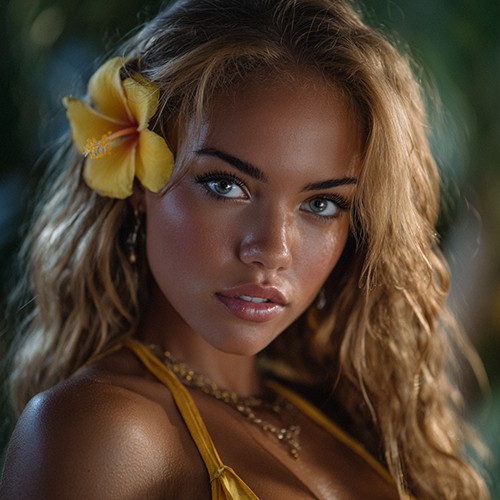
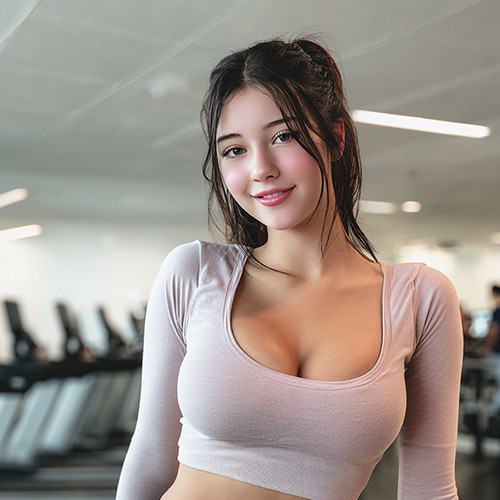
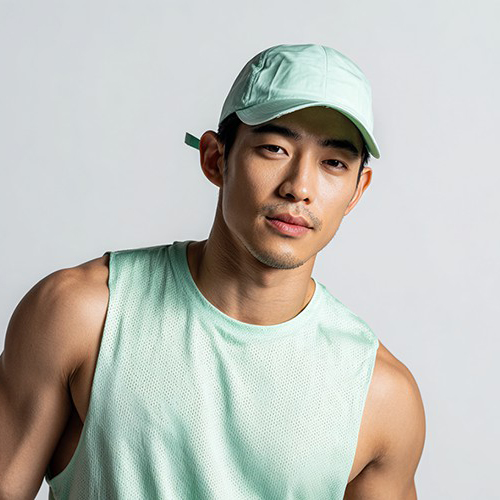
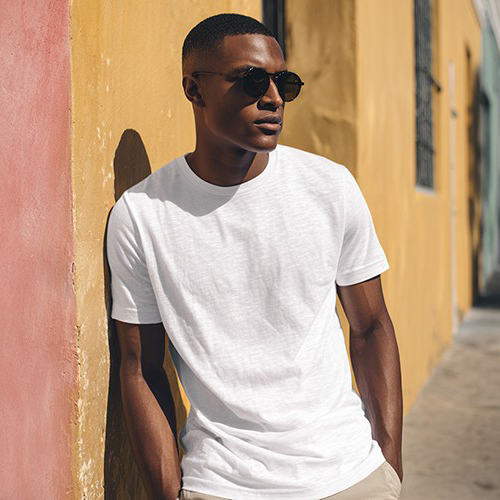
Turn Your Photo into a Viral Tyla "Channel" Dance Video
Ride the wave of the trend! With PicYou AI’s "Chanel Vibe" template, transform a single portrait into a high-energy, rhythmic dance video inspired by Tyla’s viral "Channel" and "Water" choreography.
Why Use the PicYou AI Chanel Vibe Template?
Stay on top of TikTok trends without the practice. Our AI dance tool recreates the smooth, rhythmic, and viral choreography of Tyla’s "Channel" for an instant social media hit.

Viral Tyla-Inspired Choreography AI
Our advanced AI captures the iconic movements of the "Channel" dance, applying fluid body rolls and rhythmic footwork to your portrait for a realistic viral look.

Instant TikTok Star Aesthetic
Transform any casual photo into a viral dance challenge video. Perfect for fans of Tyla and TikTok trends who want to join the "Channel" vibe with zero effort.

One-Click Rhythmic Transformation
Simply upload one clear portrait. The AI handles the skeletal mapping and rhythm synchronization to ensure your dance video hits every beat of the "Channel" vibe.

Cinematic Water & Lighting Effects
Enhance your dance with the signature atmospheric lighting and subtle "water" motion effects often associated with this viral trend, creating a high-impact video.

Boost Your Social Media Engagement
Optimized for Reels and TikTok, these Chanel Vibe dance videos are designed to capture likes and shares by tapping into one of the biggest music trends of the year.
How to Create Your Tyla Channel Dance Video
Ready to hit the beat? Follow these three simple steps to create a viral dance animation from your photo using PicYou AI technology.
Step 1: Upload a Full-Body Portrait
Choose a clear photo where your entire frame is visible. Wearing athletic or trendy streetwear will make the "Channel" dance animation look even more authentic.
Step 2: Select the Chanel Vibe Template
Navigate to the AI Dance category and choose "Chanel Vibe." Watch as our AI instantly maps the viral choreography onto your portrait.
Step 3: Generate and Post the Trend
Click generate to finalize the rhythmic animation. Download your high-definition video, add the Tyla soundtrack, and share your "Channel" vibe with the world!
Frequently Asked Questions
Learn how to create the most realistic and viral TikTok dance animations using our AI-powered music trend tools.
What is the "Chanel Vibe" template based on?
It is inspired by the viral TikTok dance trends set to Tyla’s music, featuring smooth, rhythmic movements and high-energy choreography.
Do I need to know how to dance to use this?
Not at all! The AI handles the entire choreography, making anyone look like a professional dancer who has mastered the viral "Channel" moves.
What kind of photo works best for this dance video?
A full-body or waist-up shot with clear visibility of your arms and torso is ideal for the AI to animate the rhythmic body rolls correctly.
Does the video include the "Water" effect?
The Chanel Vibe template incorporates the stylish lighting and fluid motion effects that define the Tyla-inspired aesthetic for a professional look.
How long does it take to generate the dance video?
Our AI processes the movement in seconds, giving you a high-quality, trend-ready video almost instantly after uploading your photo.
Is it free to join the "Channel" trend on PicYou AI?
PicYou AI provides credits to try our viral dance templates. For unlimited high-def video generations and trend participation, check our premium plans.