Click to upload an image
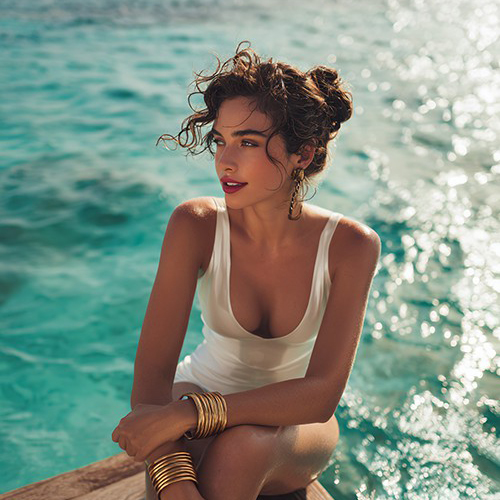
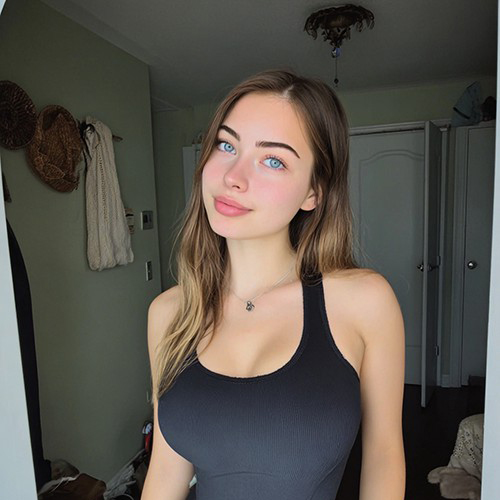
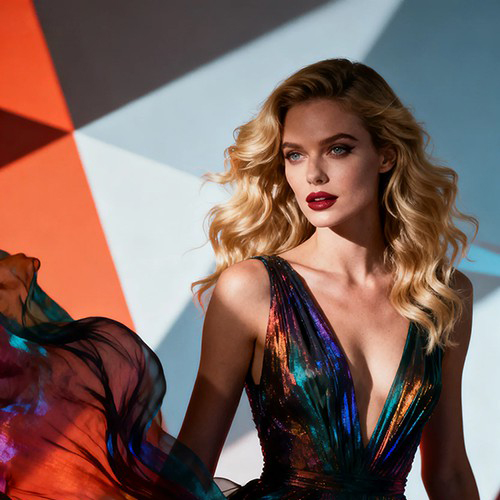
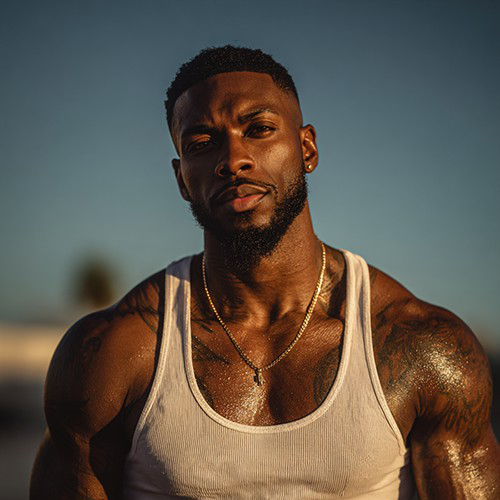
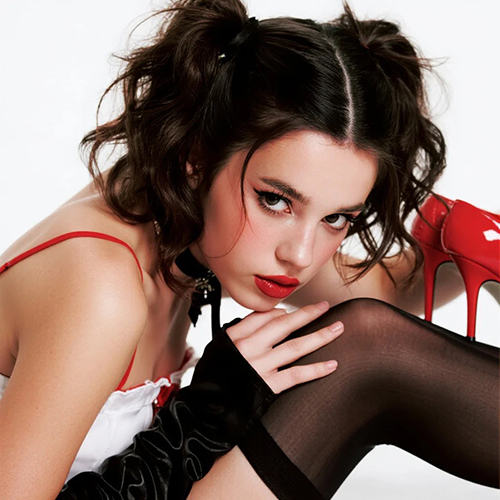

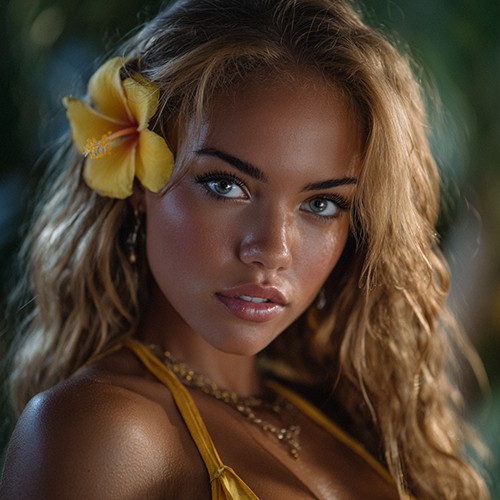
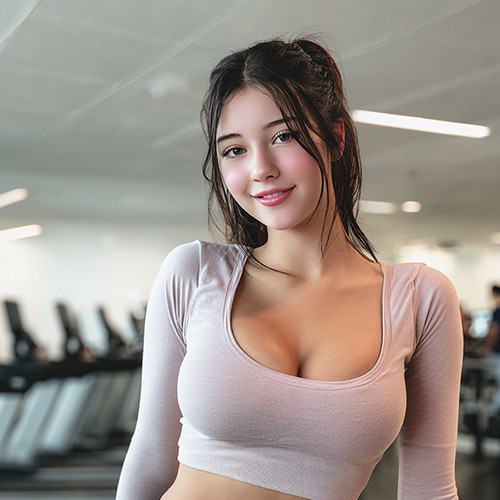
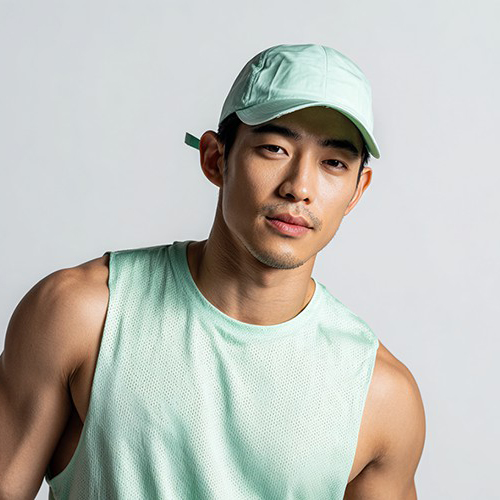
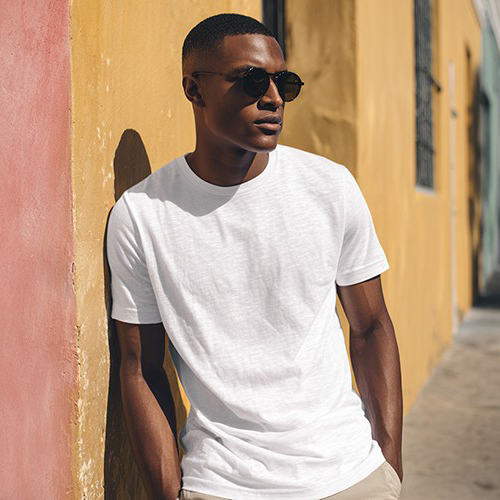
Perfect Your Portraits with Expression Repair on PicYou AI
Don't let a blink or a frown ruin a perfect moment. The Expression Repair tool is your ultimate fix for awkward facial expressions. This advanced AI photo editor allows you to seamlessly open closed eyes, add a natural smile, or adjust the direction of a gaze in any portrait. Whether it's a group shot where one person blinked or a selfie that needs a happier vibe, our technology reconstructs facial features with high-fidelity realism. It’s the essential tool for saving "almost perfect" photos and turning them into professional-grade keepsakes.
Natural Smile Synthesis & Eye Correction
Transform awkward shots into flawless portraits with industry-leading AI facial mapping technology.

Open Eyes Reconstruction Logic
The AI intelligently reconstructs closed or blinking eyes, using contextual data to generate realistic irises and eyelids that match the subject's natural look.

Natural Smile Generator
Turn a frown or a neutral expression into a warm, genuine smile. The AI adjusts mouth corners and visible teeth without creating an "uncanny valley" effect.

Gaze Direction Adjustment
Subtly realign the subject's eyes to look at the camera, fixing photos where someone was looking away or distracted.

Identity-Preserving Micro-Adjustments
Our engine makes subtle changes to facial muscles to match the new expression while ensuring the person still looks exactly like themselves.

Seamless Skin Texture Blending
When altering expressions, the AI regenerates the surrounding skin texture (like laugh lines or cheeks) to ensure the edit is invisible and natural.
Expression Repair Creative Examples
See how others are saving their shots with PicYou AI.
The "Blinking" Group Photo
Saving a great family holiday card by fixing the one family member who blinked at the wrong moment.
The Poker Face Wedding Shot
Adding a gentle, happy smile to a nervous groom or bride in a candid wedding photo.
The Distracted Toddler
Fixing a baby photo where the child was looking away, redirecting their gaze right into the camera lens.
The "Too Serious" ID Photo
Softening a harsh driver's license or passport-style photo for a more approachable LinkedIn profile picture.
The Candid Laugh Enhancement
Turning a mid-speech awkward mouth shape into a natural, photogenic laughing smile.
How to Fix Expressions in Photos
Save your favorite memories in three simple steps.
Upload Your Photo
Select the image with the awkward expression; the AI works best on clear faces, whether in solo portraits or group shots.
Apply Expression Repair
Choose the specific fix you need—such as "Open Eyes," "Add Smile," or "Fix Gaze"—from the Photo Editing Tools menu.
Download Your Perfected Shot
Preview the natural-looking result and export your saved photo, ready to be shared without the awkward blink.
Why PicYou AI is the Best for Photo Rescue
The premier choice for high-fidelity, subtle AI editing.

Anatomically Correct Edits
Our AI understands facial anatomy, ensuring that when a mouth moves, the cheeks and eyes react accordingly for total realism.
Instant "Un-Ruin" Button
Don't throw away a great photo just because of a small mistake; fix it in seconds and keep the memory.
Secure & Private Editing
Your personal photos are handled with the highest encryption standards, ensuring your edits stay private.
A Complete Editing Suite
From "Expression Repair" to "Old Photo Restoration," PicYou AI offers the most versatile tools to perfect every pixel of your life.
FAQs for AI Expression Repair
Expert answers for fixing facial flaws.
Can it really fix closed eyes?
Yes! The AI analyzes the facial structure to realistically "paint in" open eyes that match the subject's likely eye shape and color.
Will the smile look fake?
Our "Natural Smile" technology is designed to be subtle. It mimics how facial muscles actually move, avoiding the "glued-on" smile look.
Can I fix just one person in a group photo?
Yes, the tool allows you to select a specific face within a group image to apply the expression repair solely to them.
Does it work on profiles?
It works best on front-facing or semi-profile shots where the AI has enough facial data to map the features accurately.
Is the original quality preserved?
Absolutely. The tool only modifies the specific facial area, leaving the rest of the photo's resolution and detail untouched.
Can I make someone look serious instead of smiling?
Yes, the tool works both ways—you can calm an overly enthusiastic expression or add joy to a serious one.