Click to upload an image
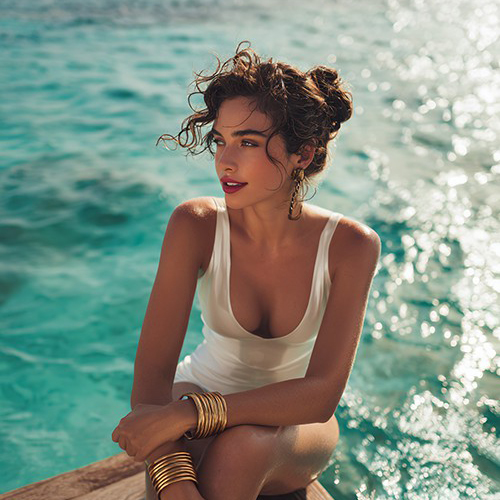
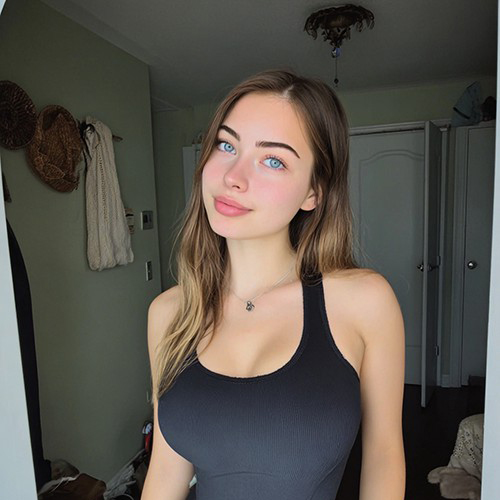
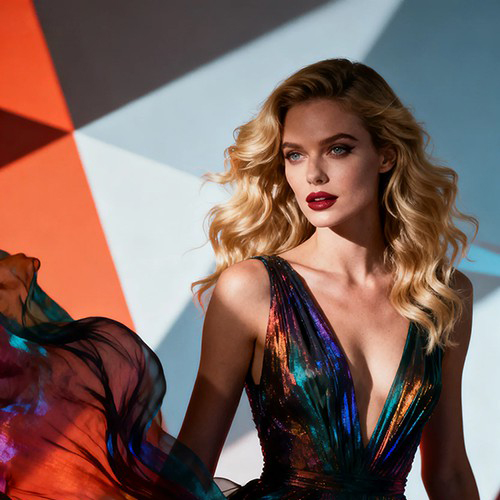
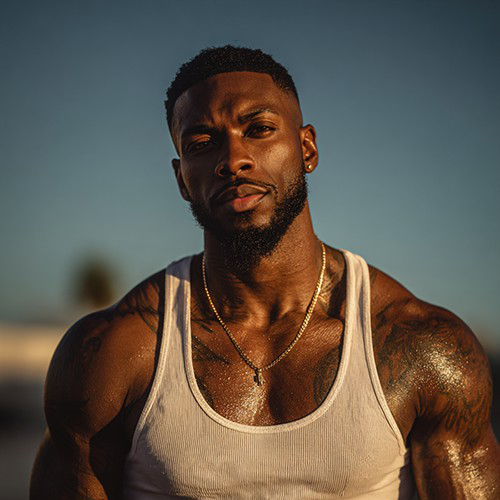

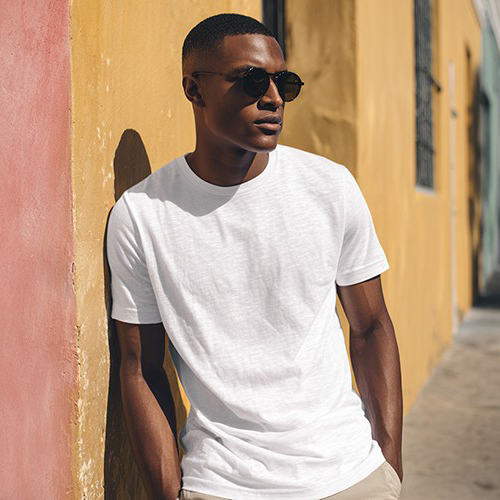
Get Instant Muscle Gains with AI Photo Editing
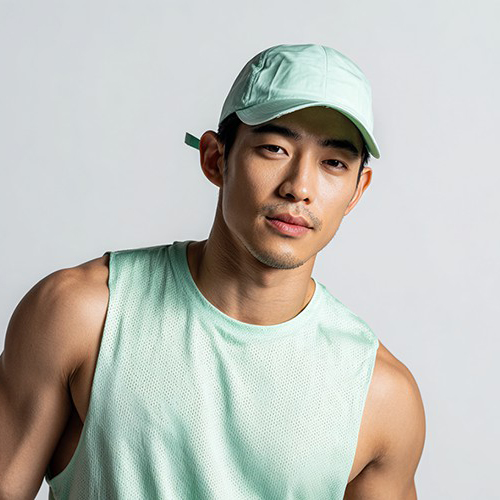
See your potential in seconds. With PicYou AI’s "Gains" tool, transform a single portrait into a fit, muscular version of yourself with realistic muscle definition and improved physique.
Why Use the PicYou AI Gains Photo Editing Tool?
Get the "pumped" look without the gym lighting. Our AI Gains tool intelligently enhances your existing frame to create a powerful, athletic aesthetic in any photo.

Realistic Muscle Definition AI
Our advanced AI identifies key muscle groups—biceps, chest, and abs—and applies natural-looking volume and definition that matches your body type perfectly.

Instant Physique Transformation
Turn a casual photo into a fitness masterpiece. Perfect for visualizing your workout goals or creating high-impact profile pictures for fitness platforms.

One-Click Bulk and Shred
Simply upload one clear portrait. The AI handles all the complex anatomical reshaping to ensure your "gains" look proportional, realistic, and impressive.

High-Resolution Fitness Edits
Download your enhanced photo in crisp HD. Our AI ensures that skin textures and shadows remain natural even after adding significant muscle mass.

Viral Fitness Content Creation
Create eye-catching "before and after" style content for social media. These realistic gains are designed to inspire your followers and showcase your aesthetic side.
How to Get Instant Gains in Your Photos
Ready to level up your physique? Follow these three simple steps to add massive gains to your photo using PicYou AI’s advanced editing technology.
Step 1: Upload a Clear Portrait
Choose a photo where your arms or torso are visible. A front-facing shot with decent lighting allows the AI to apply the muscle gains most accurately.
Step 2: Apply the Gains Template
Select "Gains" from the photo editing tools category. Watch as our AI instantly builds muscle mass and enhances the definition across your physique.
Step 3: Download Your New Look
Click generate to finalize the transformation. Download your high-quality "gains" photo and share your virtual fitness progress with the world!
Frequently Asked Questions
Learn how to get the best results using our AI-powered muscle enhancement and fitness editing tools.
What does the "Gains" template actually do?
It is an AI editing tool that specifically targets muscle groups in your photo, adding realistic size, volume, and definition to give you an athletic look.
Will the gains look fake or distorted?
No, our AI is trained on human anatomy to ensure that muscle growth is applied proportionally to your unique body structure for a realistic result.
Do I need to be wearing gym clothes?
While gym wear or fitted clothing helps the AI map your body more accurately, the Gains tool can work on most portraits where your frame is visible.
Can I use this for my fitness brand?
Absolutely! This tool is perfect for creating motivational content, visualizing transformation goals, or enhancing your personal branding as a fitness enthusiast.
Does the AI change my face?
The Gains tool focuses specifically on your physique. Your facial features and identity remain unchanged while your body gets a powerful upgrade.
Is it free to use the Gains editor on PicYou AI?
PicYou AI offers credits for users to explore our photo editing tools. For unlimited high-definition muscle enhancements, check out our premium plans.