Click to upload an image
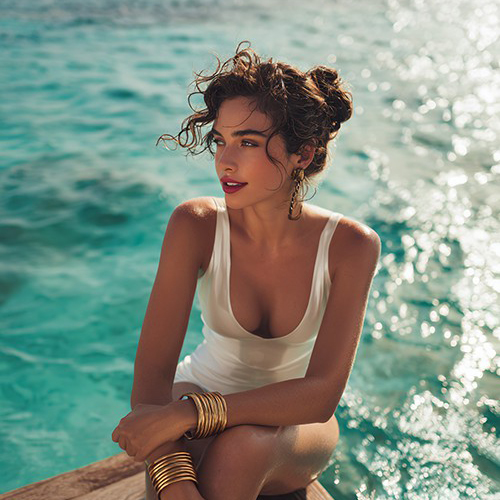
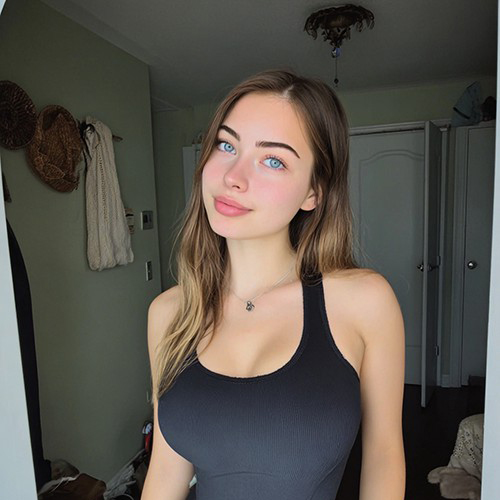
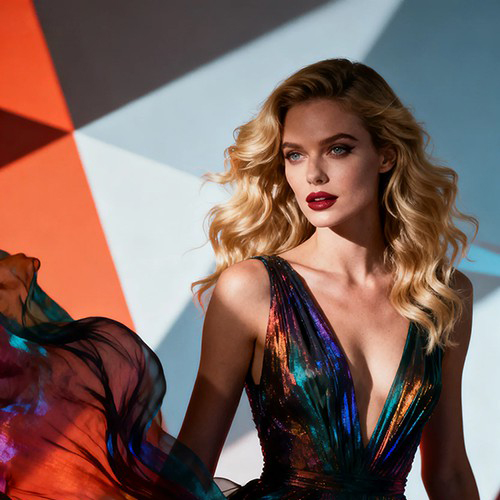



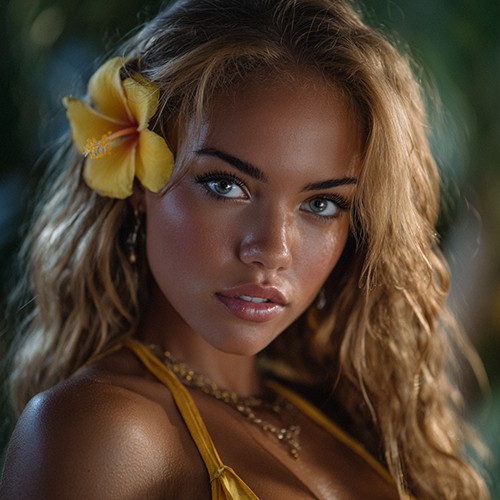
Create Breathtaking Grand Canyon Travel Videos with PicYou AI
Transport yourself to one of the world's seven natural wonders instantly! With the Grand Canyon AI video effect from PicYou AI, you can place yourself in a cinematic solo adventure. Our advanced virtual travel video maker creates realistic lighting, depth, and wind effects, making it look like you're standing right at the edge of the canyon.
Pro-Level Cinematic Features for Your Grand Canyon Adventure

AI Horizon Depth Simulation
Our Grand Canyon AI video effect uses depth-mapping technology to ensure the vastness of the canyon looks authentic, providing a true sense of scale between you and the landscape.

Dynamic Golden Hour Lighting
The cinematic landscape generator automatically adjusts the lighting on your photo to match the warm, orange hues of the Arizona sun, creating a seamless blend.

Solo Travel Realistic Motion
This solo travel AI template adds subtle environmental motion, such as moving shadows and wind-blown hair effects, to turn a static photo into a living travel memory.

4K Ultra-HD Landscape Rendering
Unlike basic filters, PicYou AI renders your virtual travel video maker projects in high resolution, preserving the intricate rock textures of the Grand Canyon.

One-Tap Social Media Export
Optimized for TikTok, Reels, and Shorts, this template ensures your PicYou AI travel filter creation is ready to post in the perfect 9:16 aspect ratio.
Stunning Grand Canyon AI Creations
The Solo Explorer
A simple backyard photo transformed into an epic cliff-side shot at Mather Point.
Sunset Over the Rim
Witness the AI applying a stunning orange glow to a portrait, mimicking a real sunset.
The Windy Lookout
Watch as the AI adds realistic hair movement to match the high-altitude winds of Arizona.
Cinematic Slow Pan
A dynamic video showing the vast scale of the canyon behind the subject.
Professional Travel Vlog
A high-quality clip that looks like it was filmed with a professional drone and 4K camera.
How to create a realistic Grand Canyon travel video with AI?
Step 1: Select the Grand Canyon Template
Open the PicYou AI app or web page and navigate to the "Grand Canyon" template. This solo travel AI template is specifically calibrated for desert and canyon lighting.
Step 2: Upload a High-Quality Portrait
Upload a photo of yourself. For the best Grand Canyon AI video effect, use a photo where you are standing or sitting with a neutral background.
Step 3: Generate and Customize
Hit "Create" and let the cinematic landscape generator work its magic. You can adjust the intensity of the "wind" or "sunlight" before downloading your HD video.
FAQs
Can I use this Grand Canyon AI video effect for free?
Yes! PicYou AI provides a generous amount of free templates. By staying active daily and signing in, you can earn extra credits to use on premium templates like this one.
Do I need a green screen to use the virtual travel video maker?
No. Our AI automatically removes your original background and replaces it with the Grand Canyon landscape perfectly.
Is the solo travel AI template optimized for mobile?
Absolutely. PicYou AI is designed for creators on the go, allowing you to generate viral travel videos directly from your smartphone.
How do I get more credits for the cinematic landscape generator?
Simply log in every day! Our daily check-in system rewards loyal users with extra points, and participating in community challenges can boost your balance even further.
What is the best type of photo to use for the PicYou AI travel filter?
We recommend a full-body or waist-up shot with clear lighting on your face to ensure the AI blends your image perfectly with the canyon's sun.
Can I share my AI-generated travel videos directly to TikTok?
Yes, after the generation is complete, you can download the 9:16 video which is the native format for TikTok and Instagram Reels.