Click to upload an image
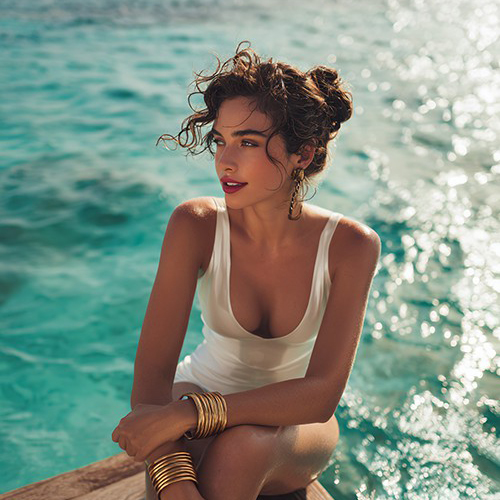
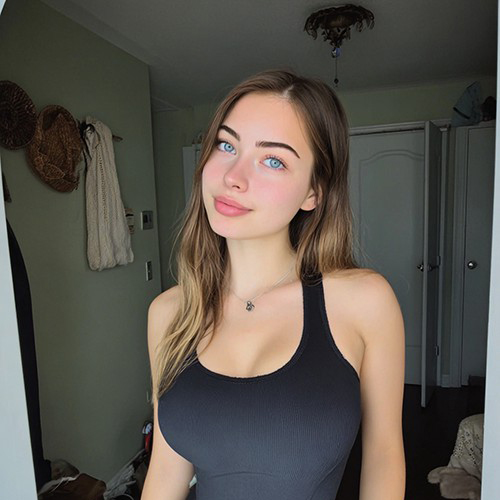
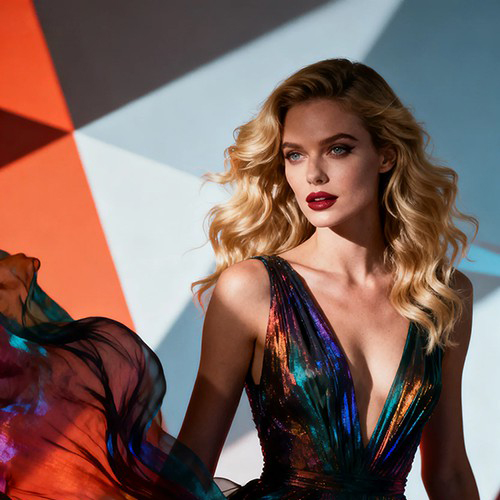
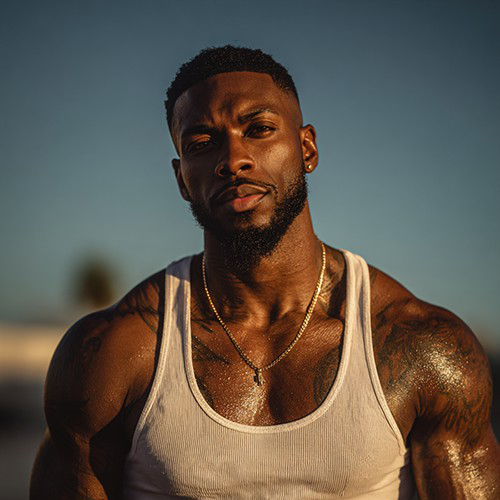
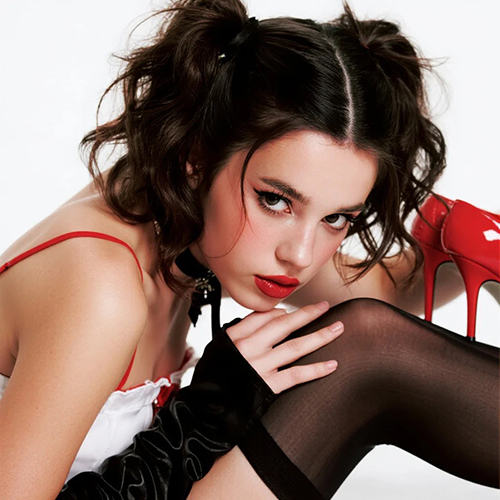

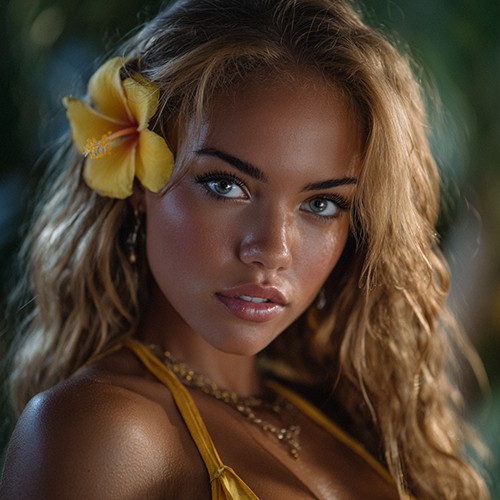
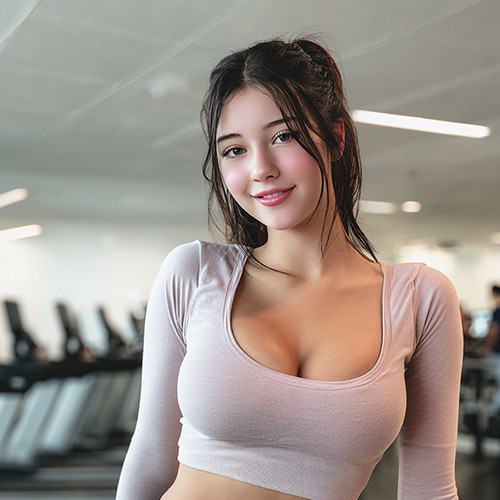
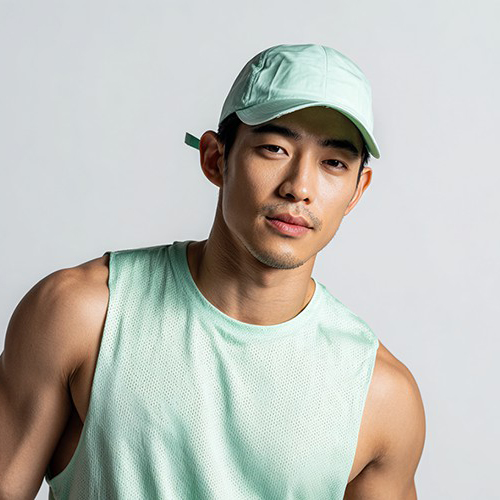
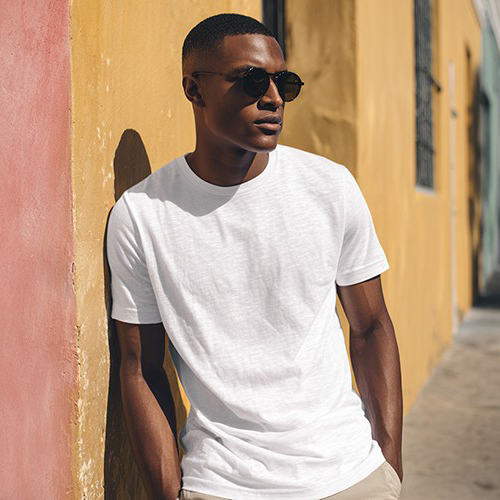
Create Viral AI Group Dance Videos from One Photo
Turn yourself into an entire dance crew! With PicYou AI’s group dance template, one portrait is all you need to generate a synchronized, high-energy group performance that’s ready for social media fame.
Why Use the PicYou AI Group Dance Generator?
Unlock the power of synchronized motion. Our group dance template allows you to multiply your presence and create stunning ensemble performances with zero effort.

Instant One-to-Many Group Animation
Upload just one portrait and watch as our AI creates a full squad of synchronized dancers, all matching the beat and choreography perfectly.

Synchronized Team Choreography
Experience flawlessly timed movements. Every "dancer" in the group follows the exact same rhythm, creating that satisfying, viral synchronized look.

Dynamic Squad Visuals
Choose from various group formations and high-energy routines designed to capture attention and maximize engagement on short-form video platforms.

Social Media Trend Ready
Our group dance videos are optimized for TikTok and Instagram Reels, featuring the latest trending moves that are proven to go viral.

Seamless Multi-Character Rendering
PicYou AI handles the complex task of rendering multiple figures simultaneously, ensuring consistent quality and smooth motion across the entire group.
How to Generate Your AI Group Dance Video
Ready to lead your own virtual dance crew? Follow these three simple steps to create a high-impact group dance video with PicYou AI.
Step 1: Upload Your Lead Portrait
Select a clear, high-quality portrait of yourself or any character. This single image will serve as the base for every dancer in your group.
Step 2: Apply Group Dance Template
Browse the AI Dance category and select the "Group Dance" template. Our AI will automatically duplicate and synchronize the motion for the squad.
Step 3: Export and Go Viral
Click generate to process your group performance. Once ready, download your high-definition video and share your new squad with the world!
Frequently Asked Questions
Everything you need to know about creating synchronized group dance videos with PicYou AI’s advanced animation tools.
Do I need a group photo to use the group dance template?
No! You only need a single portrait. Our AI takes that one image and creates a synchronized group of dancers based on that lead character.
How many dancers appear in the group dance video?
The number of dancers depends on the specific choreography of the template, typically featuring a lead and several backup dancers for a full squad effect.
Can I choose different outfits for the group members?
Currently, the group dance template applies the same look from your uploaded photo to all members to maintain perfect visual consistency and synchronization.
Is the group dance motion synchronized to music?
Yes, the group dance movements are choreographed to a rhythmic beat, making them perfect for adding trending audio on social media platforms.
How long does it take to render a group dance video?
Because the AI is animating multiple figures, it might take a few seconds longer than a solo dance, but it's still incredibly fast—usually under a minute.
What are the best platforms to share group dance videos?
These videos are tailor-made for TikTok, Instagram Reels, and YouTube Shorts, where synchronized and high-energy group content performs exceptionally well.