Click to upload an image
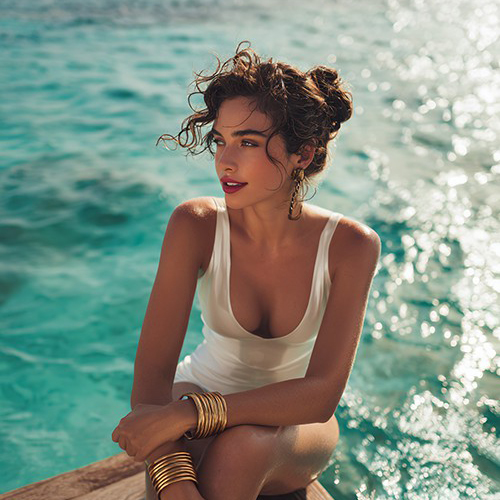
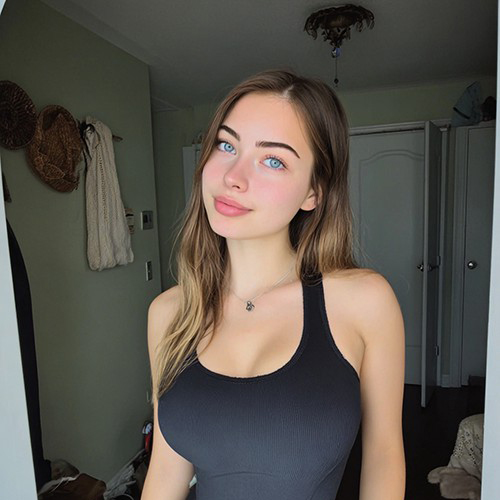
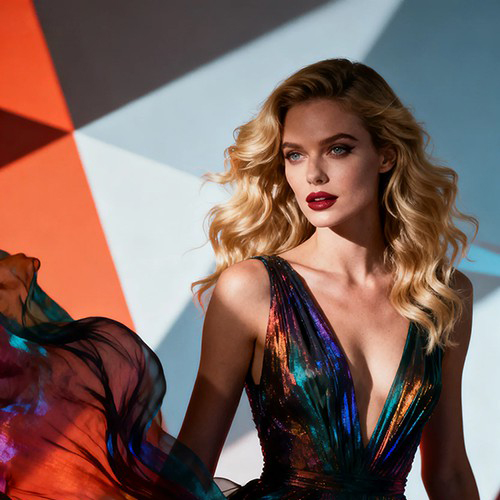
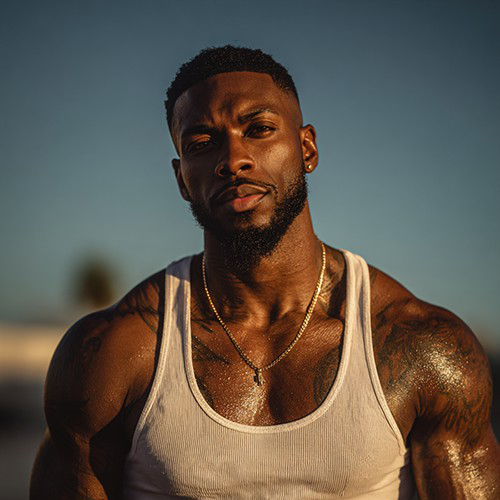
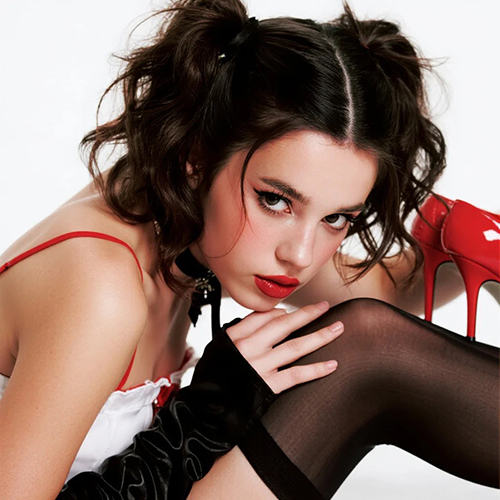

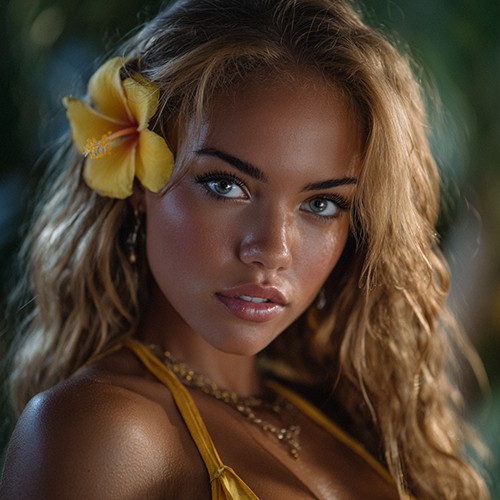
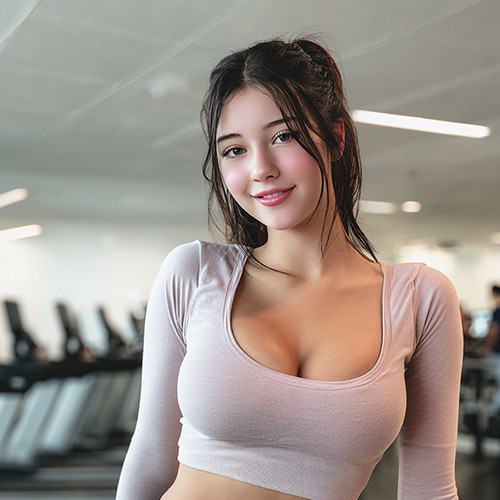
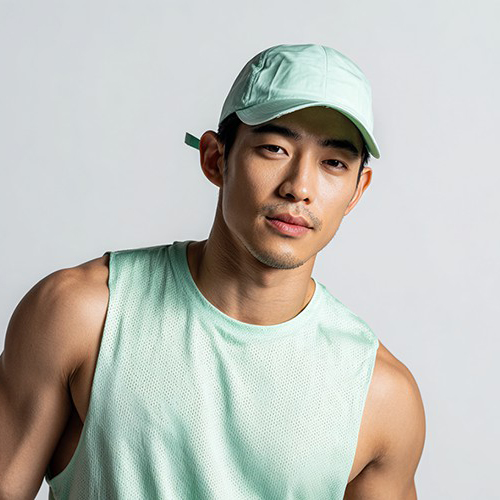
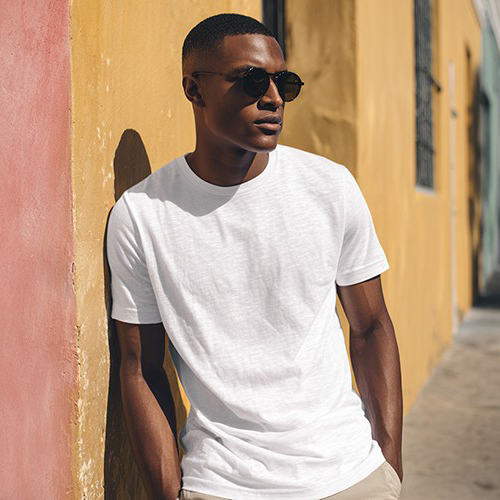
Turn Your Portrait into a Soulful Hand-Drawn Masterpiece
Experience the beauty of traditional art. With PicYou AI’s "Hand Drawn" template, transform a single portrait into a stunning sketch that captures every detail with the warmth of a real artist's touch.
Why Choose the PicYou AI Hand Drawn Art Style?
Bring your photos to life with a handmade feel. Our AI mimics the intricate strokes and shading of professional artists, giving your digital images the texture and depth of physical art.

Realistic Pencil Shading and Line Work AI
Watch as our AI intelligently analyzes your facial features and applies natural-looking pencil strokes and cross-hatching to create a masterpiece that looks hand-crafted.

Instant Artistic Transformation for Avatars
Give your profile a sophisticated look. Transform any casual selfie into a high-end hand-drawn illustration, perfect for unique social media avatars and artistic branding.

One-Click "Artist's Studio" Experience
Simply upload one clear portrait. The AI handles the complex rendering of charcoal and graphite textures to ensure your hand-drawn photo looks authentic and professional.

High-Resolution Paper and Canvas Textures
Download your art in crisp HD. Our AI adds subtle paper grain and canvas textures to your sketch, making the final image look like it was drawn on premium archival paper.

Viral "Sketchbook" Social Media Trends
Stand out on Instagram and TikTok with the hand-drawn aesthetic. These artistic transformations are designed to turn everyday moments into eye-catching digital sketches.
How to Create Your Hand-Drawn AI Art
Ready to see yourself in a sketch? Follow these three simple steps to add a professional hand-drawn touch to your photo using PicYou AI’s advanced technology.
Step 1: Upload a Clear Portrait
Choose a high-quality, front-facing photo. Good lighting on your face helps the AI map the pencil strokes and shading more accurately for a realistic result.
Step 2: Select the Hand Drawn Template
Browse the Art Style category and pick "Hand Drawn." Our AI will immediately begin reimagining your photo with delicate artistic lines and classic textures.
Step 3: Download Your Digital Masterpiece
Click generate to finalize the sketch. Once ready, download your high-definition hand-drawn image and share your creative transformation with the world!
Frequently Asked Questions
Learn how to get the most realistic and artistic hand-drawn results using our AI-powered photo-to-sketch tools.
What is the "Hand Drawn" art style template?
It is an AI tool that uses neural style transfer to convert your photo into a digital illustration that mimics the look of pencil, charcoal, or fine-line ink art.
Can the AI handle different sketching styles?
Yes! The template is designed to provide a high-quality, professional sketch look that balances realistic shading with artistic line-work for a versatile aesthetic.
What kind of photo works best for a sketch filter?
Clear portraits from the chest up work best. Minimal backgrounds allow the AI to focus entirely on the artistic details of the person, resulting in a cleaner sketch.
Is the final image quality good for printing?
Absolutely. The Hand Drawn template generates high-resolution results that preserve the texture of the pencil and paper, making them perfect for physical art prints.
Does the AI keep my face recognizable?
Yes. The tool applies the hand-drawn aesthetic while carefully preserving your facial structure and likeness, so you can clearly see yourself in the artwork.
Is it free to use the Hand Drawn generator on PicYou AI?
PicYou AI provides credits for users to try various art and sketch templates. Check our subscription plans for unlimited high-definition hand-drawn art generations.