Click to upload an image
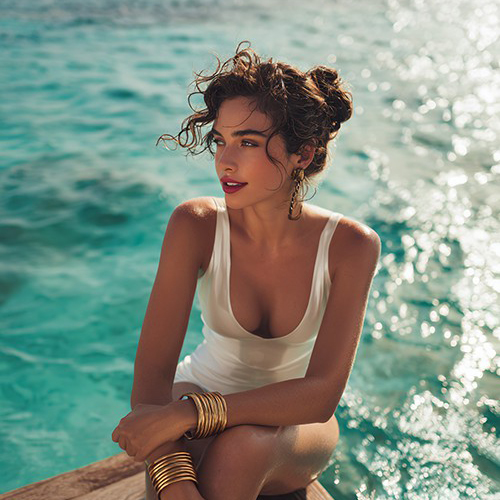
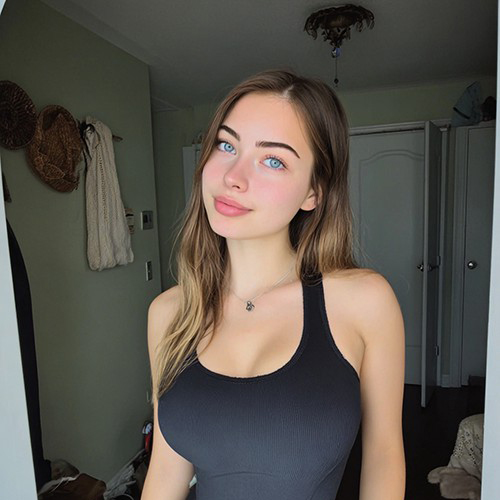
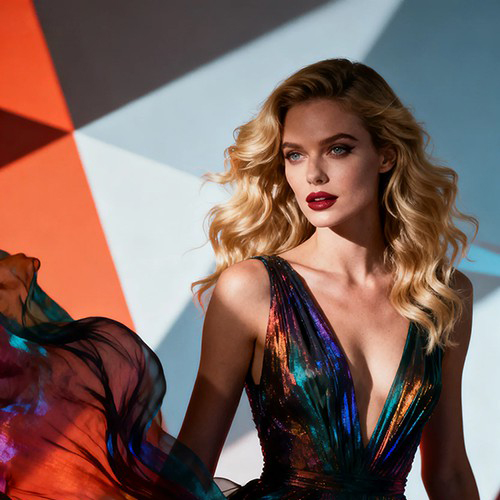
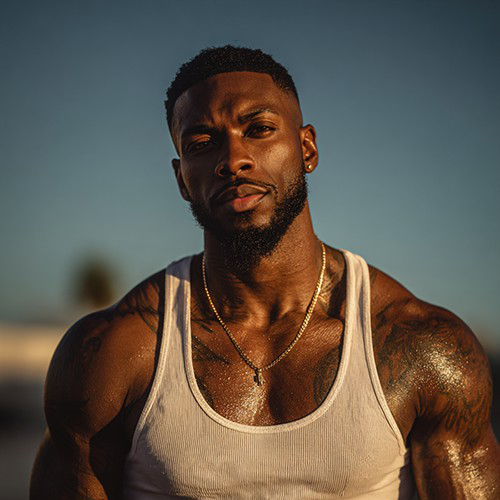
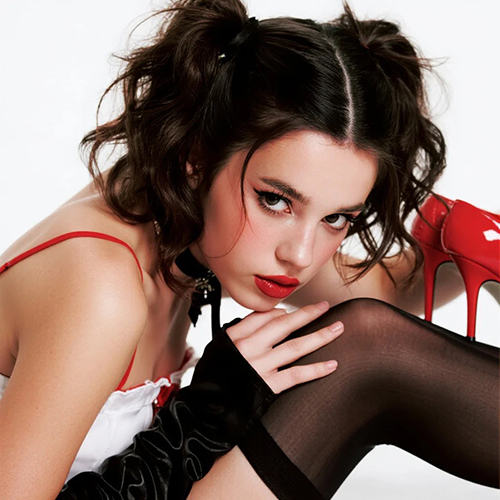

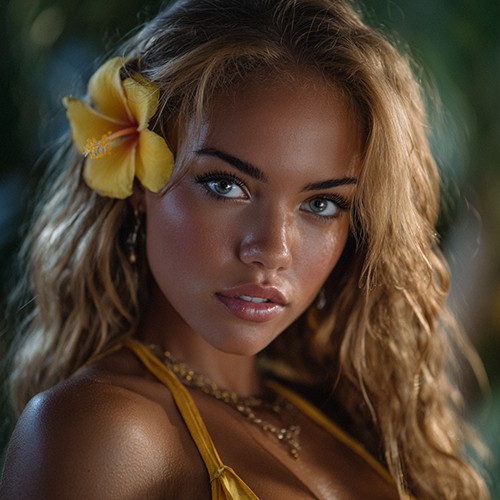
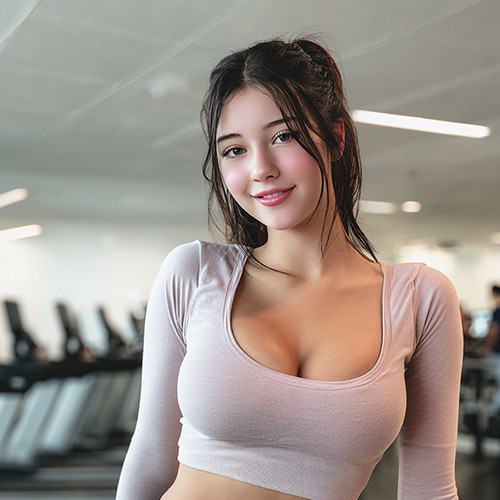
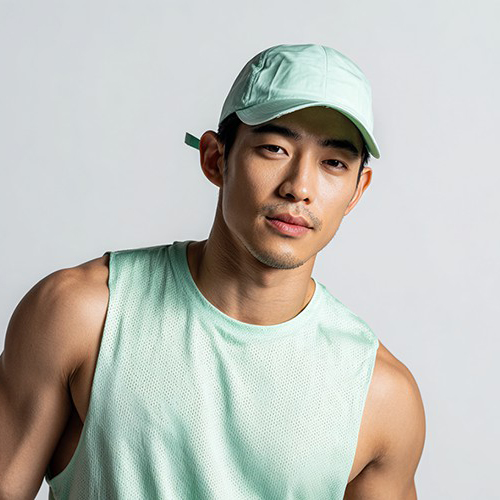
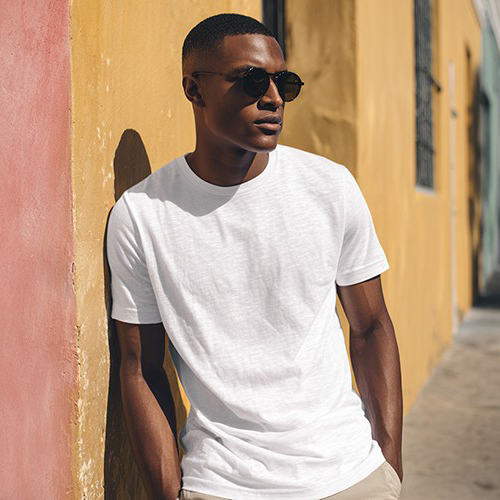
Transform Your Portrait into a Gravity-Defying Inverted Pose
Showcase your elite balance and core strength. With PicYou AI’s "Inverted Pose" template, turn a single portrait into a dynamic video of a professional-level handstand or headstand that defies gravity.
Why Choose the PicYou AI Inverted Pose Template?
Capture the ultimate display of athleticism with high-impact visuals. Our AI inversion tool creates realistic, high-energy balance animations that look professional and skilled.

Realistic Handstand and Inversion Animation
Watch as our AI intelligently maps your body and applies a smooth, powerful inversion movement for an authentic yoga, gymnastics, or calisthenics look.

Instant Elite-Level Balance
Transform any casual portrait into a gravity-defying action video. Perfect for showcasing your commitment to advanced calisthenics and impressive body control.

One-Click Inversion Transformation
Simply upload one clear portrait. Our AI handles the complex physics and skeletal mapping to ensure the inverted pose looks natural, stable, and perfectly balanced.

Cinematic Strength Visual Effects
Enhance your pose with professional lighting and stabilization effects that emphasize muscle engagement and create a high-end fitness video vibe.

Viral Calisthenics Content
Optimized for Instagram Reels and TikTok, these inverted pose videos are designed to stop the scroll and impress the fitness and yoga communities.
Create High-Energy AI Jump Rope Videos with PicYou AI
Transform a single photo into a dynamic fitness video with the Jump Rope template. This AI-powered tool animates your physique into a realistic skipping rope workout, complete with rhythmic motion and professional gym aesthetics. Ideal for fitness influencers, trainers, and creators, it allows you to visualize athletic performance and generate viral-ready workout content from a static image in seconds.
Try Jump Rope Template Free NowTransform Your Portrait into an Epic Slam Dunk Video
Take flight and dominate the rim. With PicYou AI’s "Slam Dunk" template, turn a single portrait into a high-octane video of yourself performing a professional-level basketball dunk.
Try Slam Dunk Template Free NowTransform Your Portrait into a Gravity-Defying Inverted Pose
Showcase your elite balance and core strength. With PicYou AI’s "Inverted Pose" template, turn a single portrait into a dynamic video of a professional-level handstand or headstand that defies gravity.
Try Inverted Pose Template Free NowTransform Your Portrait into a Bodybuilding Powerhouse
Experience the ultimate physique transformation. With PicYou AI’s "Born to Built" template, turn a single portrait into a dynamic video that showcases a professional-level, muscular physique built for the stage.
Try Born to Built Template Free NowTransform Your Portrait into a Fluid Stretching Routine
Showcase your flexibility and wellness journey instantly. With PicYou AI’s "Stretching Exercises" template, turn a single portrait into a dynamic video of professional-level stretching and yoga-inspired movements.
Try Stretching Exercises Template Free Now
How to Create Your AI Inverted Pose Video
Ready to turn your world upside down? Follow these three easy steps to create a high-impact inversion animation from your photo using PicYou AI technology.
Step 1: Upload a Clear Full-Body Portrait
Choose a photo where your entire body is visible. Clear lines and athletic attire help the AI accurately animate the transition into the inverted pose.
Step 2: Select the Inverted Pose Template
Browse the AI Fitness category and pick "Inverted Pose." Our AI will immediately begin mapping the balance and strength movements to your photo.
Step 3: Generate and Share the Balance
Click generate to finalize your video. Once ready, download your high-definition inverted pose video and show your followers your virtual core strength!
Frequently Asked Questions
Find out how to get the most realistic inversion animations and fitness videos using our AI-powered strength tool.
Do I need to be able to do a handstand to use this?
Not at all! The AI Inverted Pose template handles the balance and technique for you, making anyone look like a professional gymnast or yogi.
What kind of photo is best for an inverted pose video?
A full-body shot with a clear view of your limbs and a neutral background works best. Wearing fitted athletic gear yields the most realistic results.
How long is the generated inversion video?
The video is a short, impressive clip designed to capture the peak of the inverted balance, making it perfect for social media loops and stories.
Can I use this for my yoga studio's social media?
Yes! These high-quality animations are a fantastic way to create engaging, eye-catching content for yoga teachers, calisthenics coaches, or influencers.
Does the AI change my face during the inversion?
The AI preserves your facial likeness while focusing its animation power on the body rotation and muscle tension required for the inverted pose.
Is it free to create an inverted pose video on PicYou AI?
PicYou AI provides credits for users to try out various fitness templates. Check our subscription options for unlimited high-def video generations and downloads.