Click to upload an image
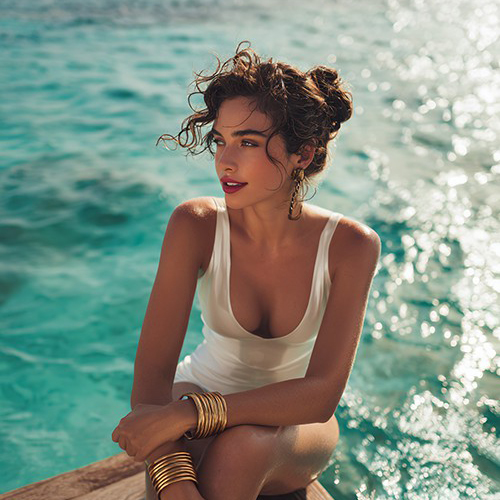
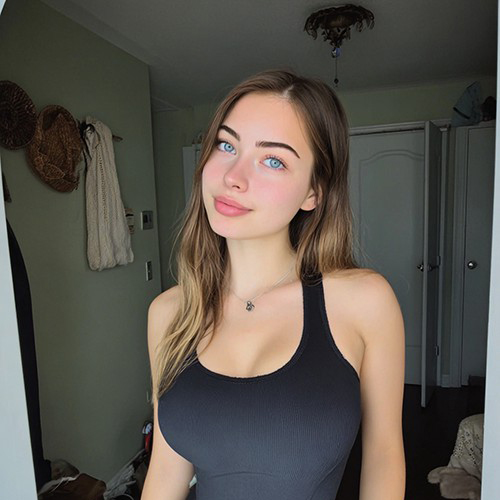
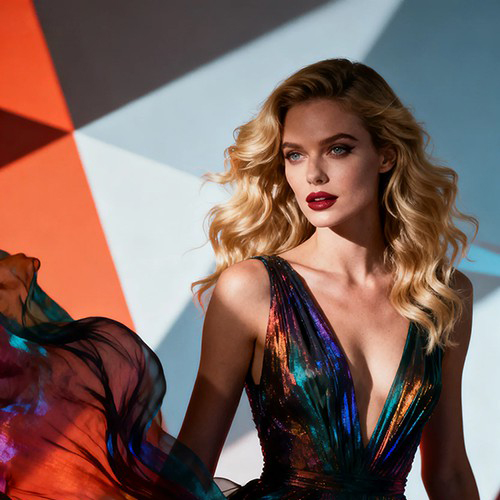
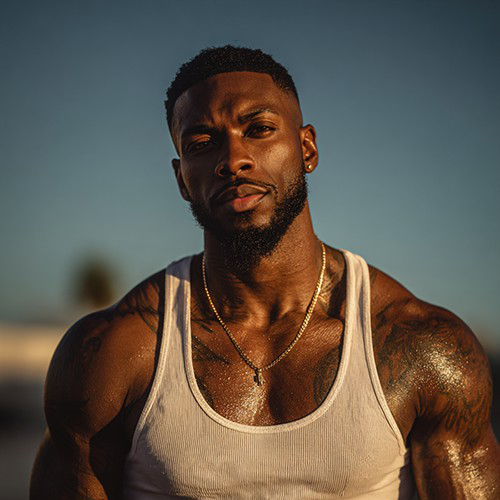
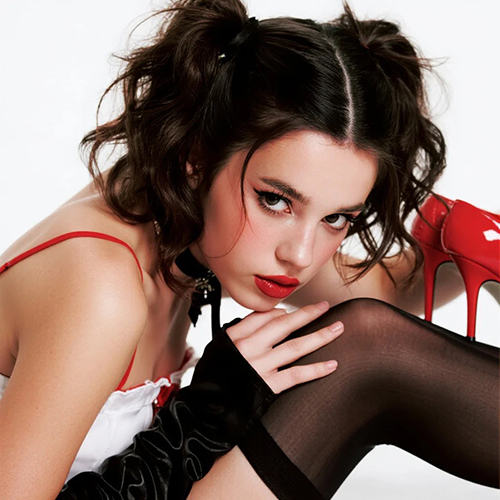

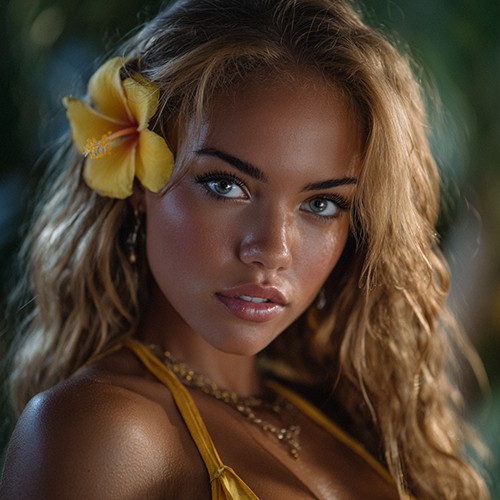
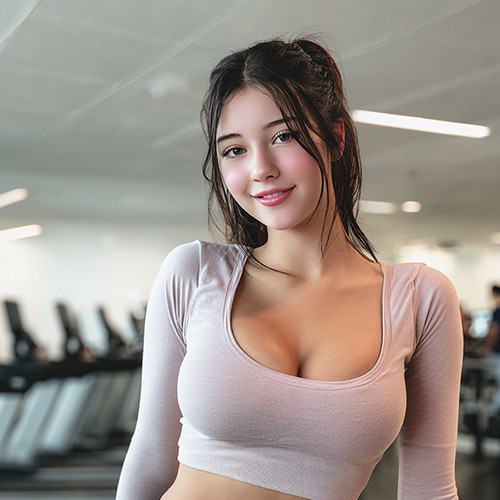
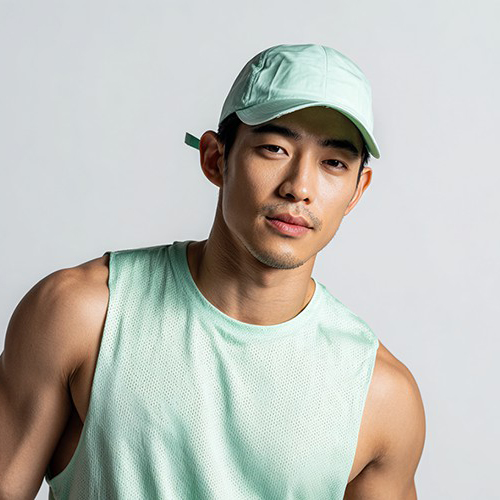
Create Romantic Lipstick Mark Selfies with PicYou AI
Transform individual portraits into a realistic romantic moment with the Lipstick Marks Selfie template. This AI-powered tool blends two photos to create a seamless "kiss on the cheek" effect, perfect for sharing your relationship milestones or creating playful social media content. This template is designed for couples who want high-quality, authentic-looking romantic edits without manual retouching.
Advanced AI Portrait Merging Features
Experience high-fidelity romantic photo creation with specialized AI tools.

Realistic Texture Mapping
The AI analyzes skin texture to ensure lipstick marks look naturally applied, not like a flat digital overlay.

Seamless Subject Integration
Intelligently merges facial structures from two separate photos to create a cohesive and believable interaction.

Automated Lighting Alignment
Matches the lighting and shadows between both uploaded images for a professional studio-quality result.

Diverse Mark Styles
Offers various lipstick shades and mark shapes to match the vibe of your specific romantic aesthetic.

High-Resolution Output
Delivers crystal-clear images ready for high-quality printing or large-scale social media displays.
Lipstick Mark Selfie Examples
See how others are using PicYou AI to celebrate their relationships.
The Classic Cheek Kiss
A subtle and romantic mark placed perfectly on the cheekbone for a natural look.
The High-Fashion Smooch
Deep red lipstick marks paired with stylized portraits for a magazine-cover aesthetic.
Casual Anniversary Selfie
Turning everyday phone photos into a professional-grade romantic memory.
Playful Surprise Mark
A fun and lighthearted edit perfect for social media stories and "soft launches."
Black and White Romance
Elegant monochrome edits that emphasize the contrast and texture of the lipstick mark.
Snap a Movie Set Selfie with Your Idol using PicYou AI
Ever dreamed of hanging out with your favorite celebrity on a real movie set? The "Film Set Selfie" template uses cutting-edge AI facial blending and scene reconstruction to place you and your idol right in the heart of a high-end film production. Skip the fan meetings and jump straight into the spotlight—experience the realistic atmosphere of a backstage interaction and create the ultimate social media post that looks 100% authentic.
Try Film Set Selfie Template Free NowCapture Your Romantic Journey with Heartfelt Rides on PicYou AI
Turn individual photos into a breathtaking romantic motorcycle ride with the Heartfelt Rides template. This AI-driven tool seamlessly blends two people into a cinematic, high-speed date aesthetic, perfect for celebrating your bond or creating a dream-like travel memory. Designed for couples who want high-end, atmospheric photography without the need for a professional photoshoot.
Try Heartfelt Rides Template Free NowExperience a Magical Virtual Kiss with AI
Feel the romance in the air! With PicYou AI’s "Kiss Me" template, turn a single portrait into a breathtakingly romantic video featuring a sweet, cinematic virtual kiss that feels incredibly real.
Try Kiss Me Template Free NowTransform Your Photo into a Tender "On Her Lap" Romance Video
Experience the ultimate comfort and love. With PicYou AI’s "On Her Lap" template, turn a single portrait into a heart-warming video featuring a cozy lap pillow, a warm hug, and a sweet virtual kiss.
Try On Her Lap Template Free Now
How to Create a Lipstick Mark Selfie
Generate a romantic couple photo in three simple steps.
Upload Individual Photos
Select one photo of yourself and one of your partner to provide the AI with the base subjects.
Apply the Lipstick Template
Choose the Lipstick Marks Selfie effect to let the PicYou AI engine calculate the optimal placement and blending.
Download Your Portrait
Review the generated image and save the final high-definition result directly to your gallery.
Versatile Romantic Use Cases
Perfect for every stage of your relationship journey.

Anniversary Celebrations
Create a unique commemorative photo even if you didn't have a camera ready during your special dinner.
Long-Distance Relationships
Bridge the gap by merging individual selfies into a shared romantic moment that feels real.
Social Media "Soft Launch"
Share a playful, high-quality hint of your relationship with a stylish and artistic selfie edit.
Digital Keepsakes
Turn casual phone snapshots into polished, professional-looking portraits for your digital albums.
Why Choose PicYou AI for Couple Photos
Better results than traditional filtering apps.
Pro-Level Precision
Unlike generic filters, our AI understands human anatomy to place marks and shadows with anatomical accuracy.
Time-Saving Automation
What used to take hours in professional software now takes seconds with PicYou AI's specialized templates.
Authentic Aesthetics
We prioritize realism over "cartoonish" effects, ensuring your photos look like genuine captured moments.
Massive Template Library
Access a wide range of group and couple styles beyond just lipstick marks to keep your feed fresh.
Common Questions About Couple AI Photos
Expert answers on creating the perfect romantic edit.
How does the AI merge two separate photos?
The PicYou AI engine identifies facial landmarks in both images to realistically position the "kisser" and the "receiver" in a natural pose.
Do I need to be a pro editor?
No, the process is fully automated. You provide the images, and the AI handles the complex masking and blending.
Can I use photos with different backgrounds?
Yes. The AI is designed to extract the subjects and unify them into a consistent new composition.
What makes the lipstick marks look real?
The technology simulates how light hits the waxy texture of lipstick against human skin for a 3D effect.
Are there free templates available?
PicYou AI provides a significant number of free templates, including options for couple and group shots.
How do I get more generation credits?
You can earn credits through daily check-in rewards or by completing simple tasks within the platform.