Click to upload an image

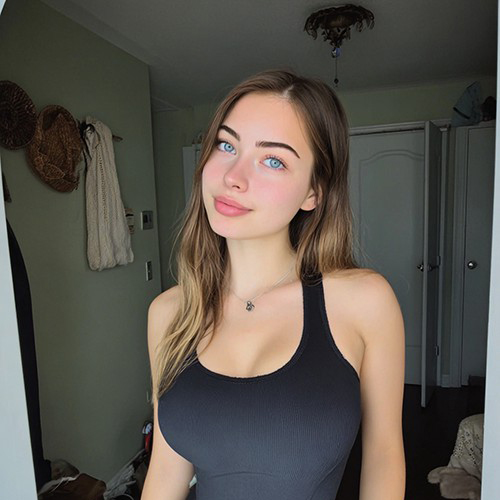
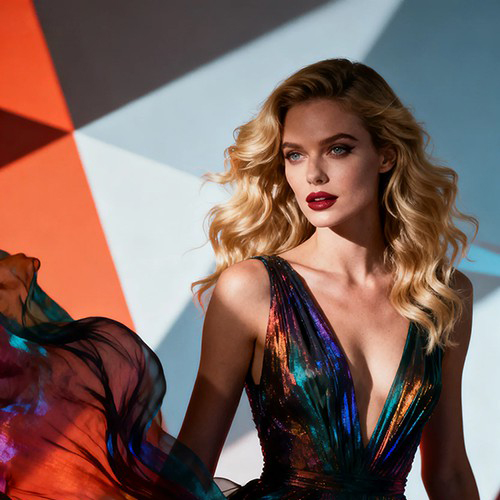
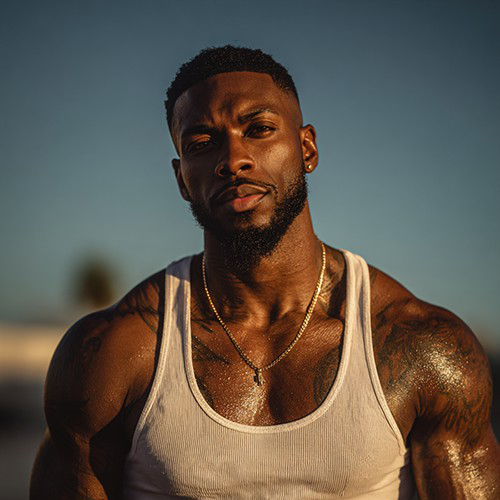


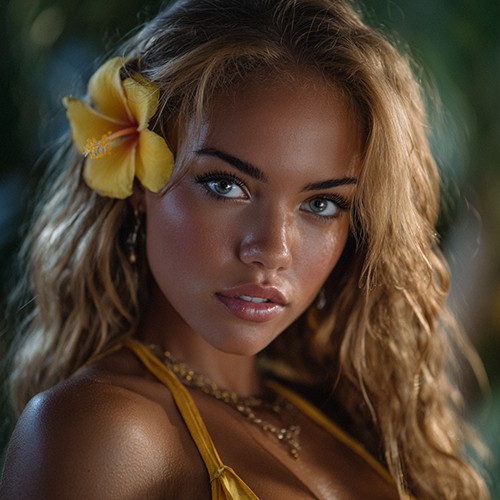

Bring Your History Back to Life with Old Photo Restoration on PicYou AI
Preserve your family legacy with the Old Photo Restoration tool. This powerful AI engine breathes new life into faded, damaged, or blurry vintage photographs. Whether you have a scratched black-and-white portrait from the 1920s or a faded color snapshot from the 80s, our advanced algorithms automatically repair tears, remove scratches, sharpen facial details, and even colorize monochrome images. It’s the ultimate tool for archivists and families looking to turn low-quality nostalgic prints into high-definition digital keepsakes.
Automatic Scratch & Tear Repair
Instantly erase years of wear and tear by using AI to intelligently fill in cracks, creases, and missing corners with context-aware textures.

Facial Detail Enhancement & Deblurring
The AI focuses on faces to sharpen blurry features, restore eye clarity, and smooth out grain, ensuring your ancestors look as vivid as they did in real life.

Black & White to Colorization
Transform monochrome history into modern reality with our deep-learning colorizer, which accurately predicts and applies realistic skin tones and fabric colors.

High-Fidelity Resolution Upscaling
Increase the pixel count of small, low-quality scans, turning them into crisp, print-ready HD images suitable for framing.

Noise Reduction & Grain Removal
Eliminate the heavy film grain and "sepia" noise often found in aged photographs, resulting in a cleaner and more polished image.

Color Correction & Fading Repair
Restore the vibrancy of washed-out color photos by rebalancing hues and contrast to match the original scene's lighting.
Restoration Creative Examples
See how others are saving history with PicYou AI.
The Great-Grandparent Portrait
A stunning restoration of a 1920s portrait, removing heavy scratches and adding realistic skin tones.
The 70s Wedding Photo
Fixing the "red tint" color shift of an old 1970s photo and sharpening the happy couple's faces.
The Torn Childhood Snapshot
Seamlessly repairing a photo that was ripped down the middle, making it look like a pristine original print.
War-Time Soldier Restoration
Colorizing and sharpening a blurry soldier's photo to reveal the details of the uniform and expression.
The Faded Holiday Polaroid
Bringing the bright colors back to a washed-out instant photo from a family vacation decades ago.
How to Restore Your Old Photos
Revitalize your vintage memories in three simple steps.
Upload Your Scanned Photo
Select a digital scan or a clear photo of your vintage print; the higher the resolution of the scan, the better the restoration detail.
Apply Old Photo Restoration
Select the tool in the Photo Editing Tools category to let PicYou AI handle the scratch removal, sharpening, and optional colorization.
Download Your Restored Memory
Preview the crystal-clear result and export your high-definition restored photo to share with family or print for your home.
Why PicYou AI is the Best for Photo Rescue
The premier choice for high-fidelity, respectful AI restoration.

Context-Aware Inpainting
Our AI doesn't just smudge over damage; it understands texture and pattern to recreate missing parts of clothing or background realistically.
Instant Professional Results
Skip the expensive professional restoration services that take weeks; get a restored masterpiece in seconds.
Secure & Private Processing
Your family history is handled with the highest security standards, ensuring your private memories stay protected.
A Complete Editing Suite
From "Old Photo Restoration" to "Valentine Portraits," PicYou AI offers the most versatile tools to enhance every image in your life.
FAQs for AI Photo Restoration
Expert answers for saving your precious memories.
Can it fix a photo that is torn in half?
It handles rips and tears very well by using "inpainting" technology to guess what the missing parts should look like based on the surrounding area.
Does it work on black and white photos?
Yes! It not only restores the sharpness but can also optionally colorize the image to make it look modern.
Will it make the face look fake?
No. PicYou AI uses identity-preserving enhancement that sharpens existing features without altering the person's fundamental look.
Can I fix blurry photos?
Yes, the "deblur" feature is specifically designed to correct motion blur and out-of-focus lenses common in older cameras.
Is my privacy protected?
Absolutely. We understand these are personal family treasures. All processing is encrypted, and images are not stored permanently.
Can I print the result?
Yes, the restoration process includes upscaling, meaning the final file is often high enough quality to print at 4x6 or 8x10 sizes.