Click to upload an image
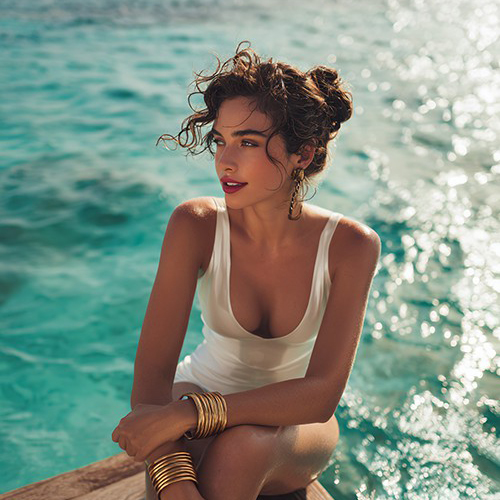
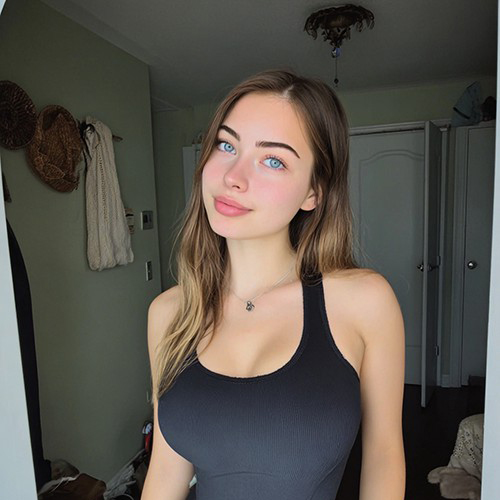
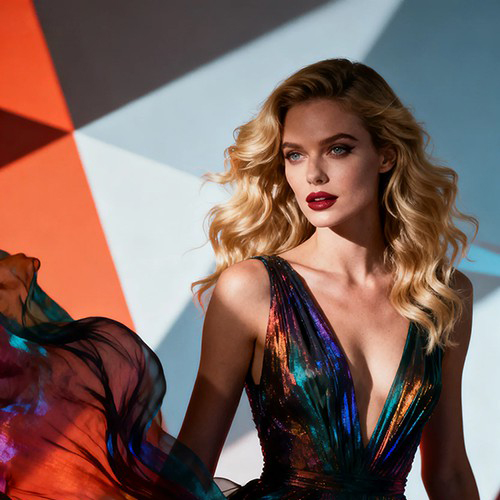
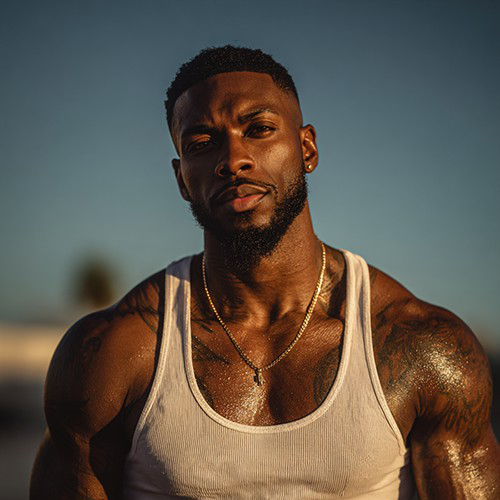
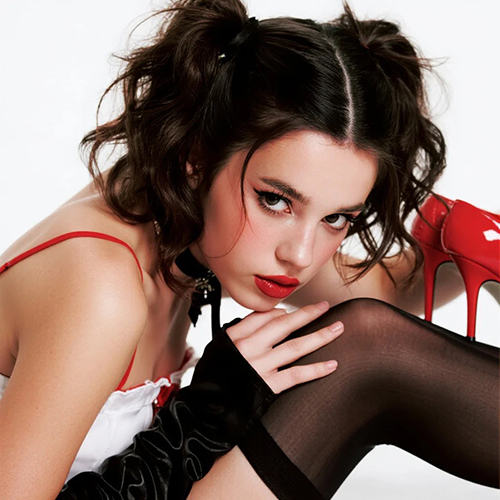

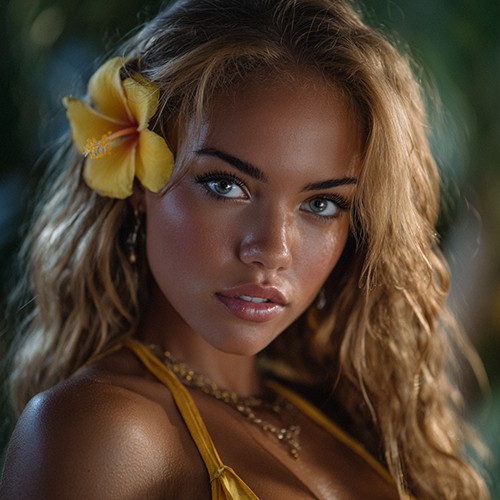
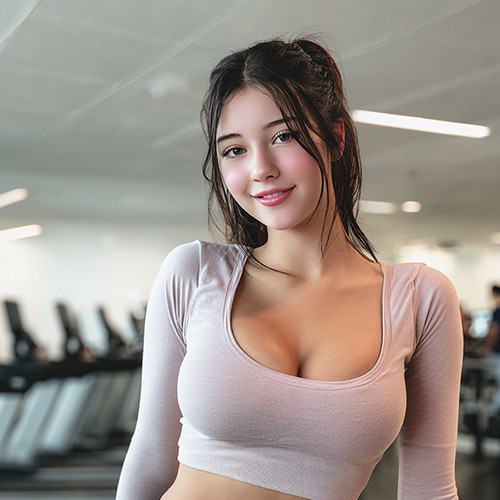
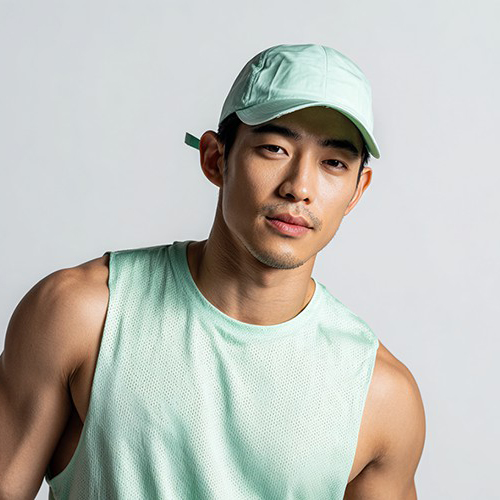
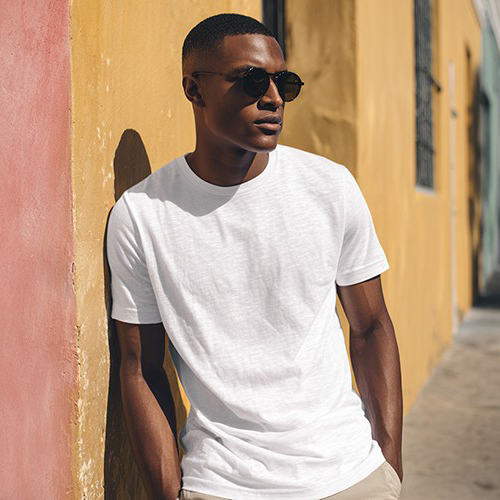
Transform Your Photo into a Retro 8-Bit Pixel Masterpiece
Step back into the golden age of gaming. With PicYou AI’s "Pixel Style" template, turn a single portrait into a vibrant piece of pixel art that captures the nostalgic charm of classic arcade games.
Why Choose the PicYou AI Pixel Style Template?
Relive the nostalgia. Our AI pixel art tool simplifies your portrait into beautiful, blocky segments while maintaining your likeness, creating a professional look reminiscent of classic video games.

Authentic 8-Bit and 16-Bit Aesthetics AI
Watch as our AI intelligently downsamples your portrait and applies a limited color palette to create a high-quality pixelated effect that looks like authentic sprite work.

Instant Game Character and Avatar Persona
Transform any casual selfie into a cool, retro-gaming avatar. Perfect for gaming profiles, Discord icons, or unique digital art for your social media feed.

One-Click Pixel Art Transformation
Simply upload one clear portrait. The AI handles the grid alignment and color quantization to ensure your pixel style art looks sharp, clean, and professional.

High-Resolution Digital Pixel Textures
Download your creation in crisp HD. Our AI ensures the "pixels" are perfectly square and vibrant, giving your photo a premium, stylized digital look that pops on any screen.

Viral Retro-Gaming Social Media Content
Stand out on Instagram and TikTok with the pixel art aesthetic. These artistic transformations are perfect for fans of vaporwave, retro-gaming, and tech-noir styles.
How to Create Your Pixel Style AI Art
Ready for a digital level-up? Follow these three simple steps to add a retro-gaming touch to your photo using PicYou AI’s advanced technology.
Step 1: Upload a Clear Portrait
Choose a clear, front-facing photo. Bold features and high-contrast lighting work best to help the AI define the pixel blocks and character details.
Step 2: Select the Pixel Style Template
Browse the Art Style category and pick "Pixel Style." Our AI will immediately begin converting your photo into a nostalgic, grid-based piece of digital art.
Step 3: Download and Enter the Game
Click generate to finalize the look. Once ready, download your high-definition pixel image and share your retro "8-bit" transformation with the world!
Frequently Asked Questions
Find out how to get the most nostalgic and high-quality results using our AI-powered pixel art style tools.
What is the "Pixel Style" art template?
It is an AI filter that reimagines your portrait as a low-resolution digital image, mimicking the artistic style of classic 8-bit and 16-bit video games.
Can I adjust the size of the pixels?
The template is optimized to provide the best balance between detail and the "pixelated" look, ensuring your face remains recognizable within the blocky aesthetic.
What kind of photo works best for pixel art?
Portraits with simple backgrounds are ideal. The AI can more effectively focus on pixelating your facial features and hair when the background is uncluttered.
Is the final image quality good for profile pictures?
Absolutely! Pixel art is one of the most popular styles for avatars and profile icons. The high-resolution output ensures your 8-bit persona looks great everywhere.
Does the AI keep my face recognizable?
Yes. Our advanced models ensure that even in a simplified pixel format, your key facial features are preserved so you can clearly see yourself as a game character.
Is it free to use the Pixel Style generator on PicYou AI?
PicYou AI provides credits for users to try various artistic and retro templates. Check our subscription plans for unlimited high-definition pixel art generations.